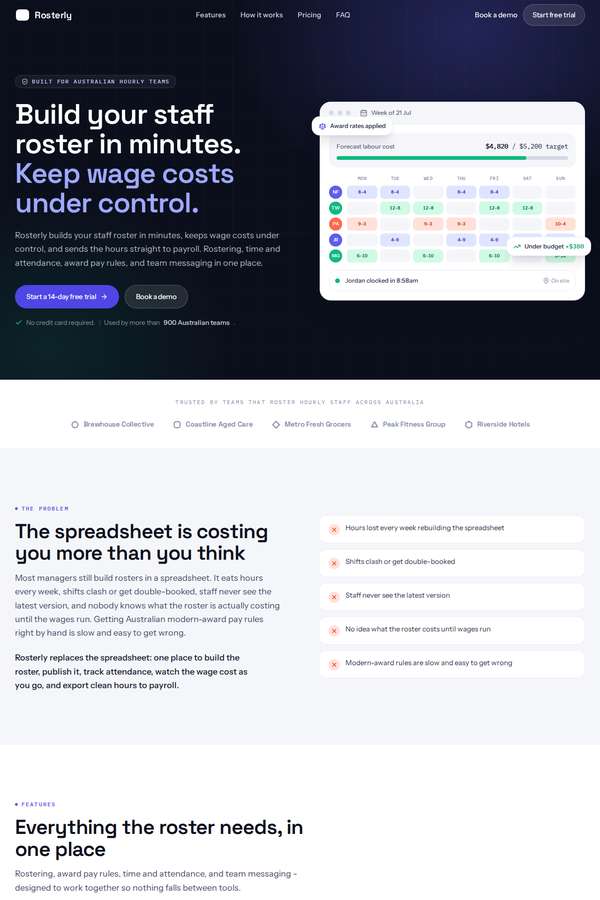
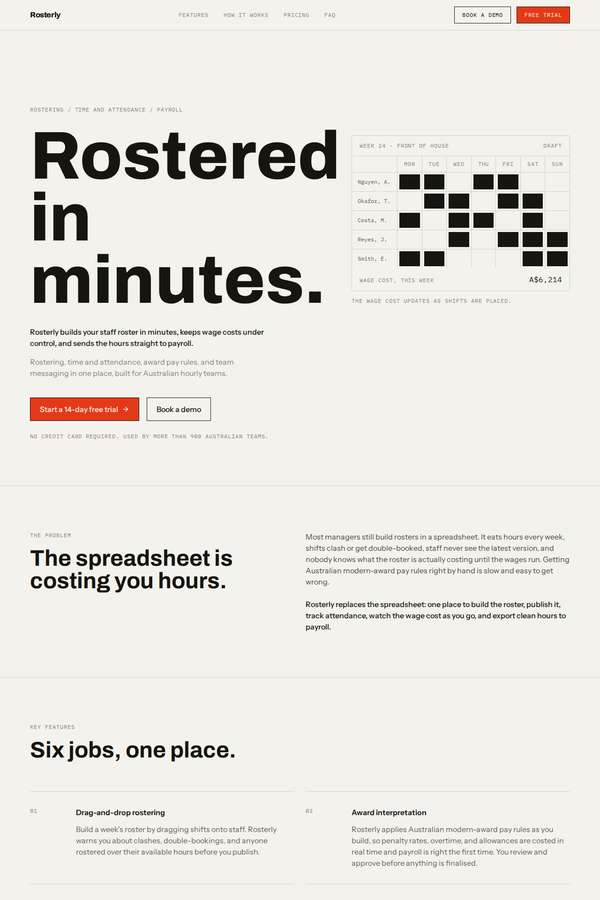
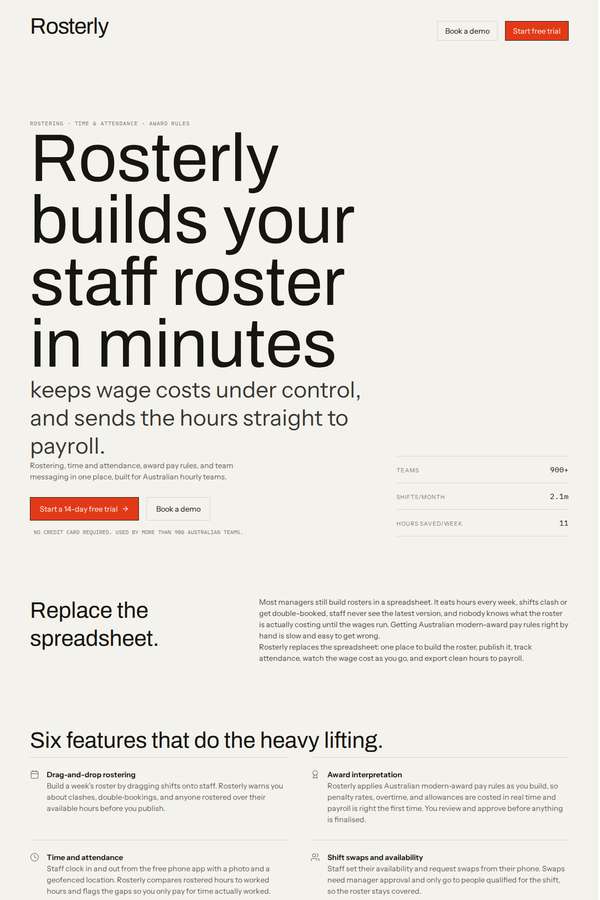
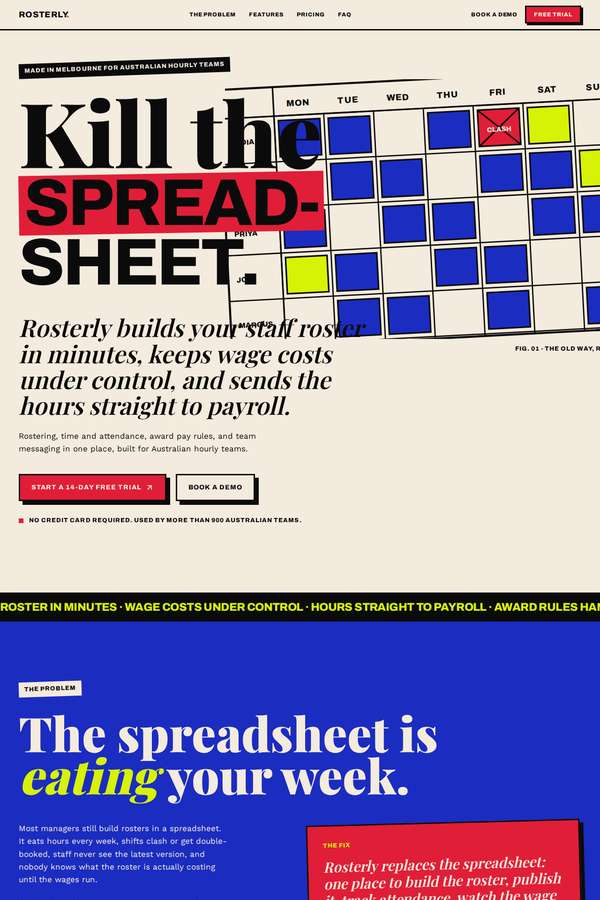
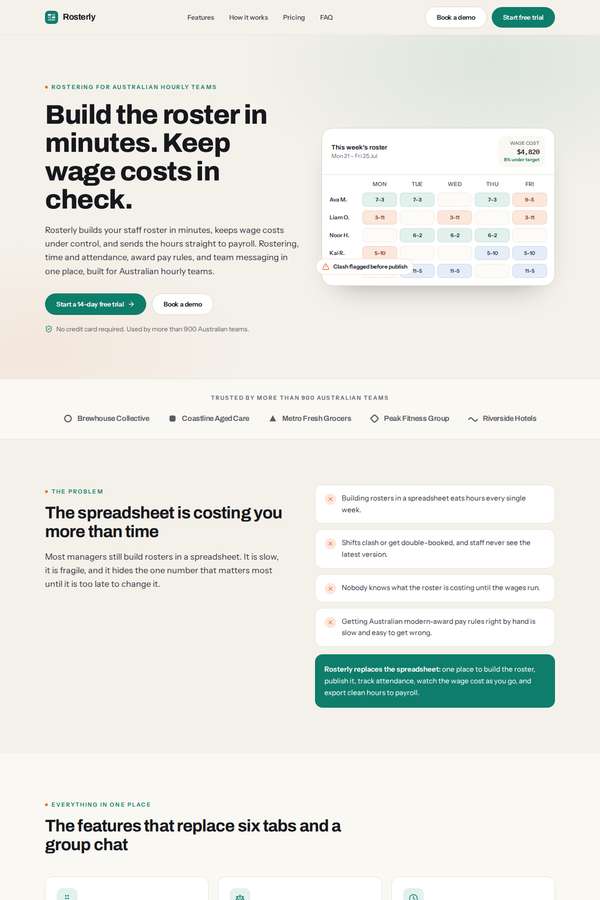
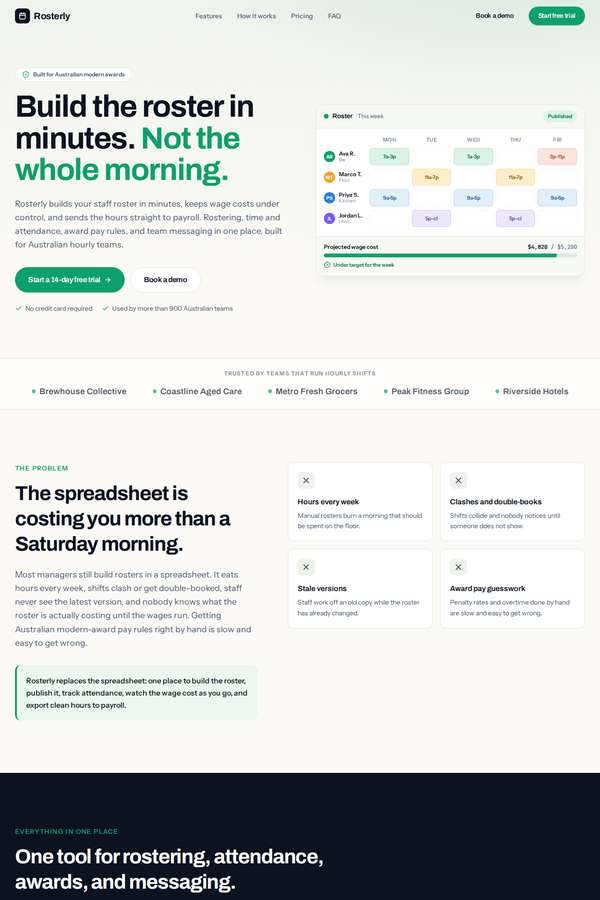
Rosterly workforce shift-scheduling SaaS marketing site
One brief, interpreted by fictional designer personas across published models. Compare the choices each makes and inspect the actual outputs.
- Task
- WDB-0007
- Design identities
- 7
- Published builds
- 28
Read the brief
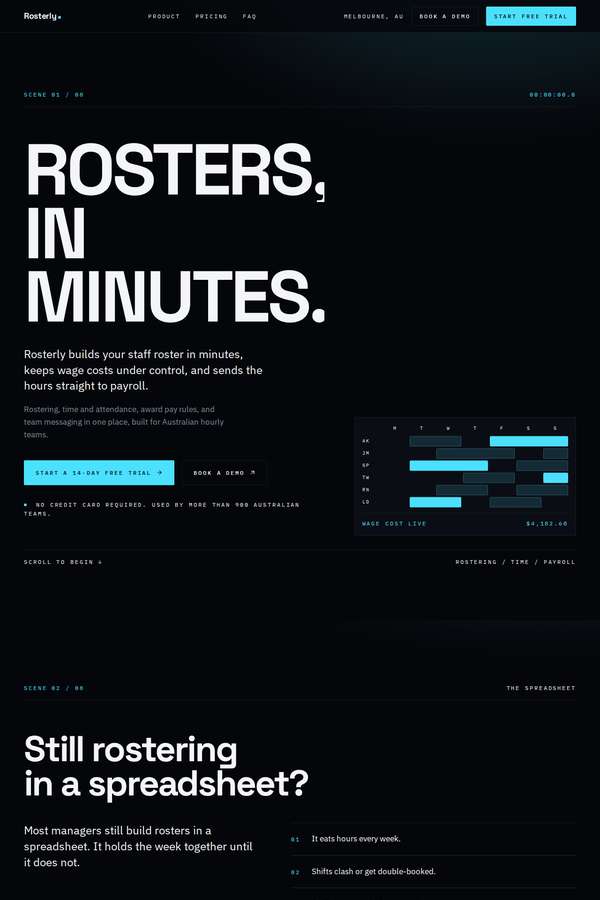
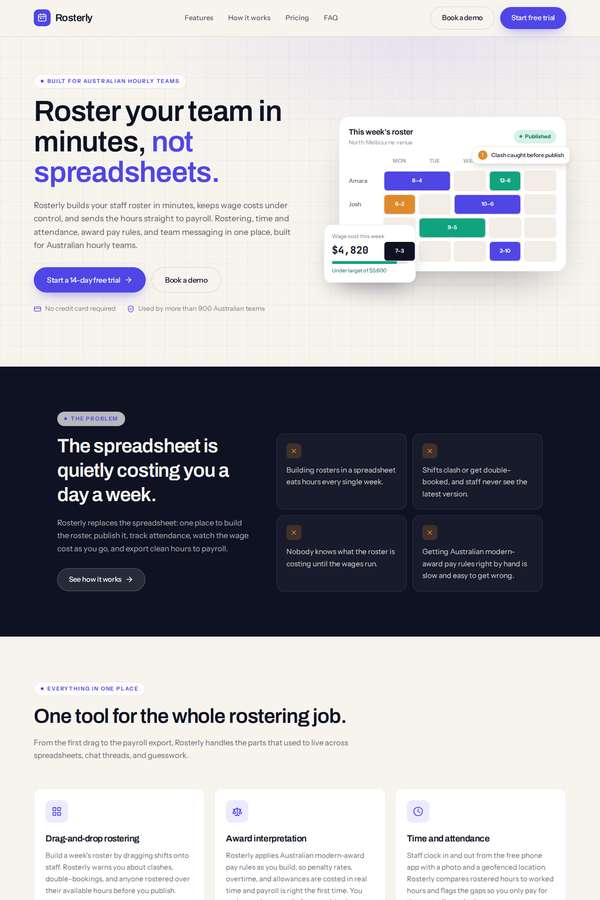
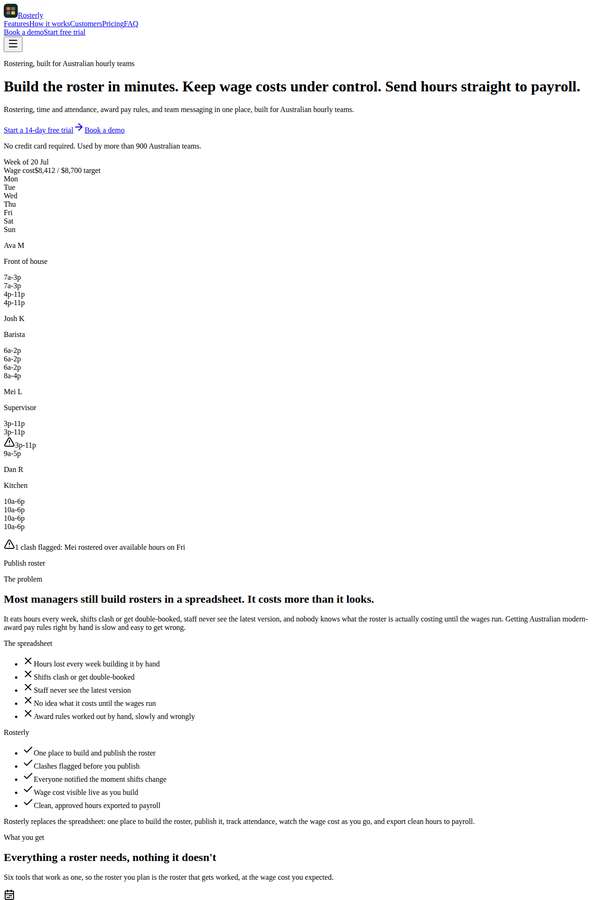
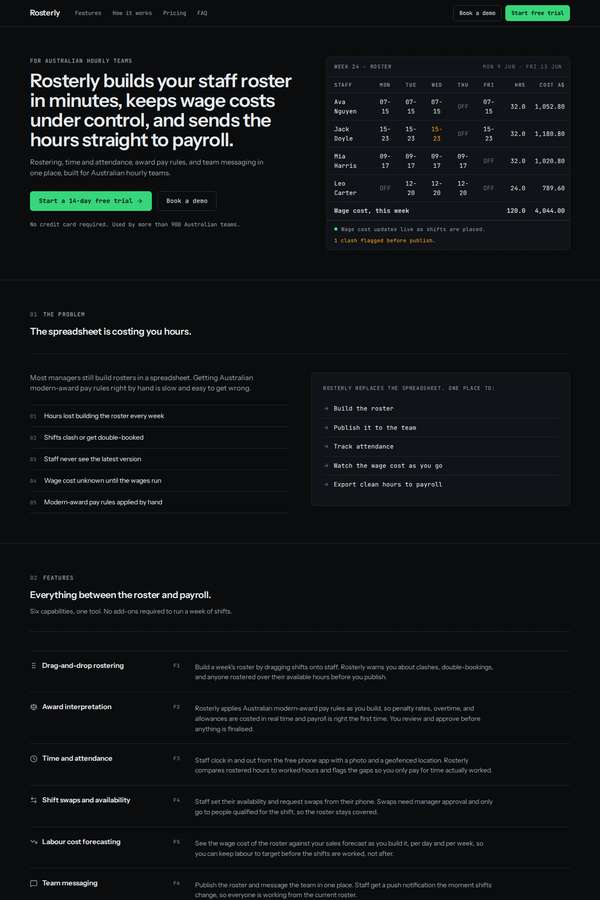
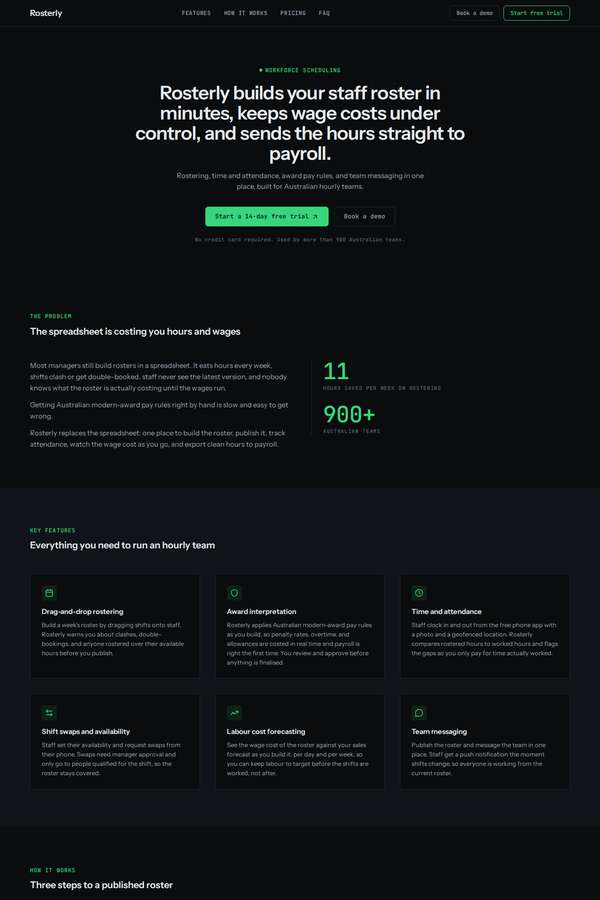
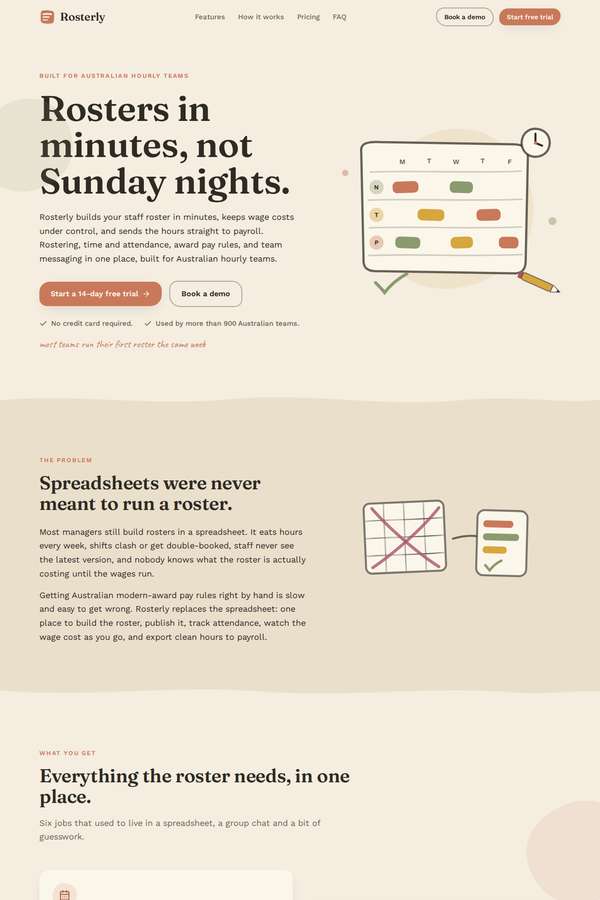
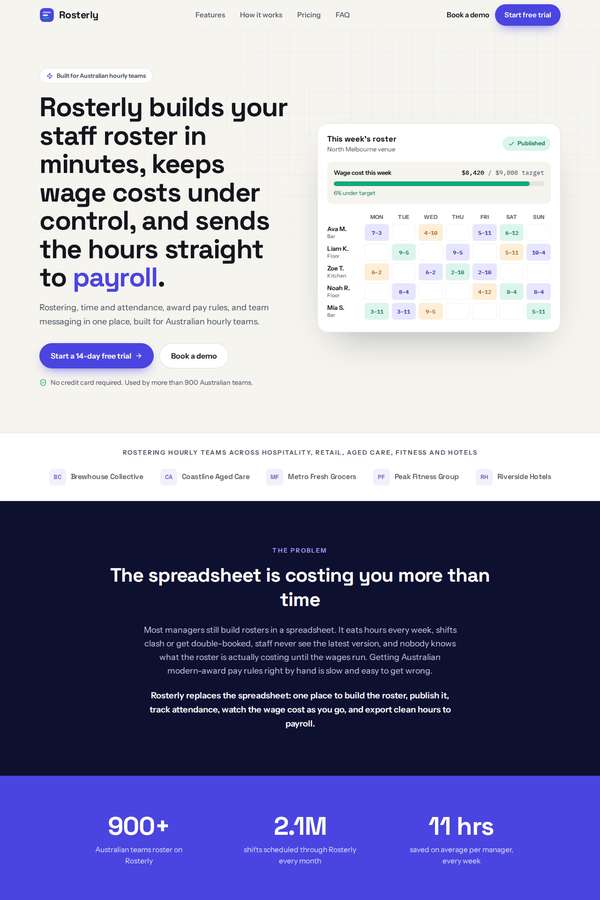
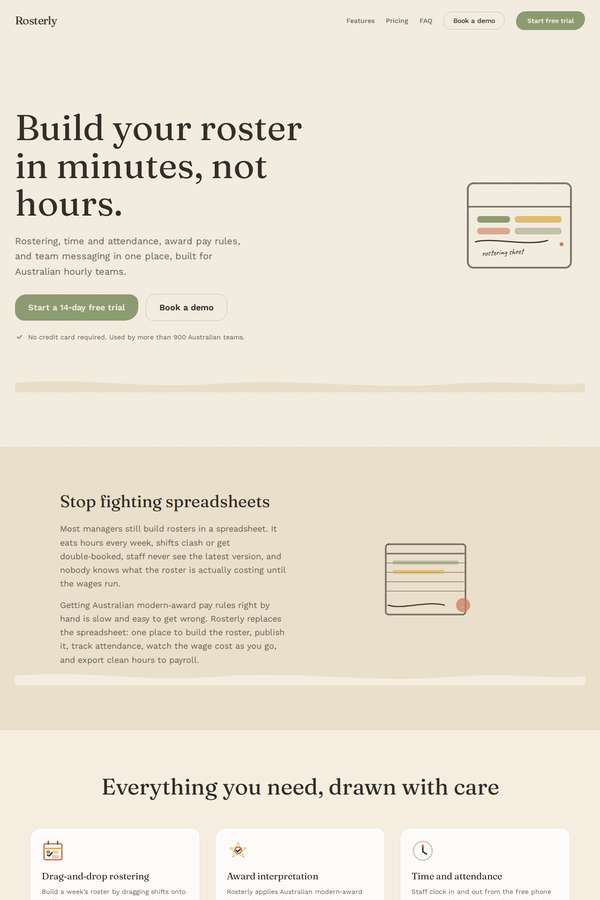
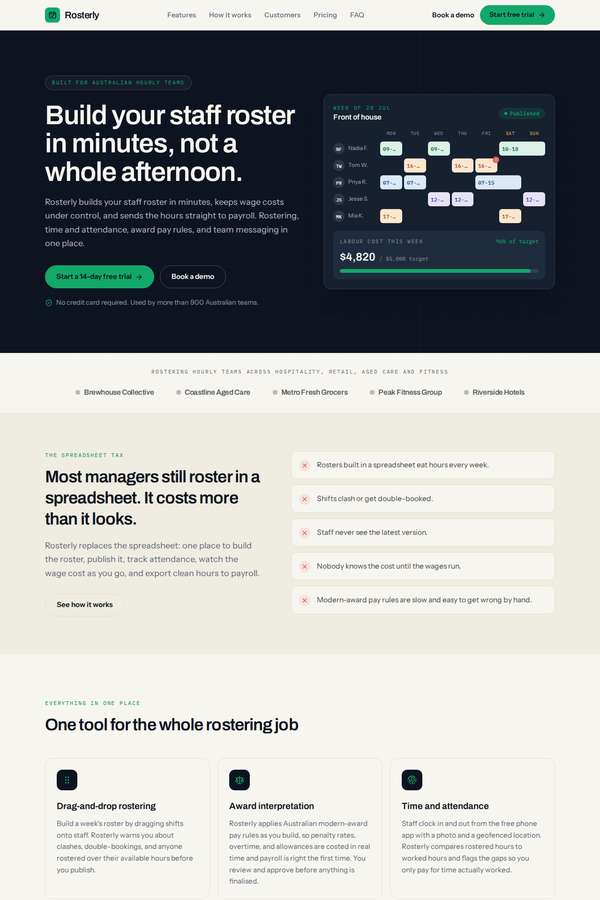
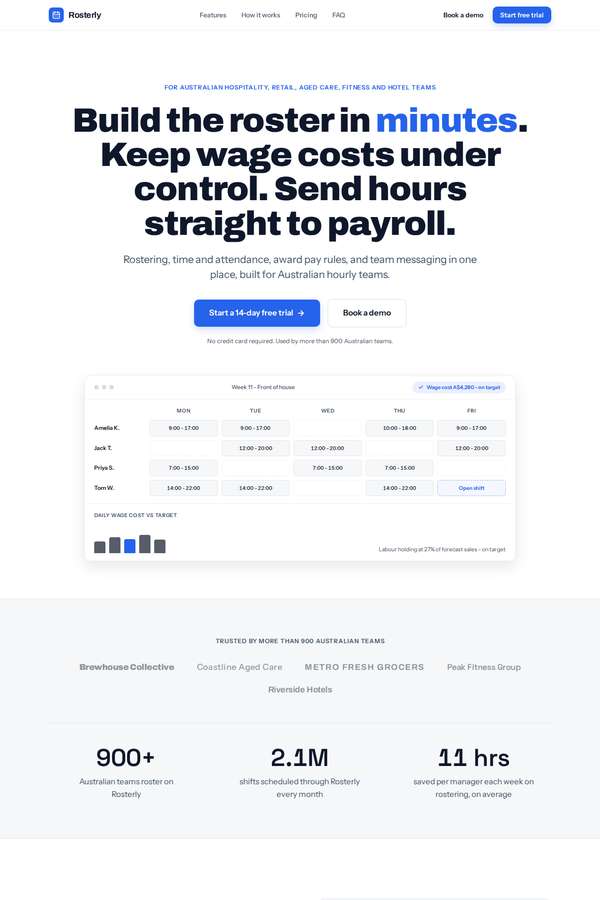
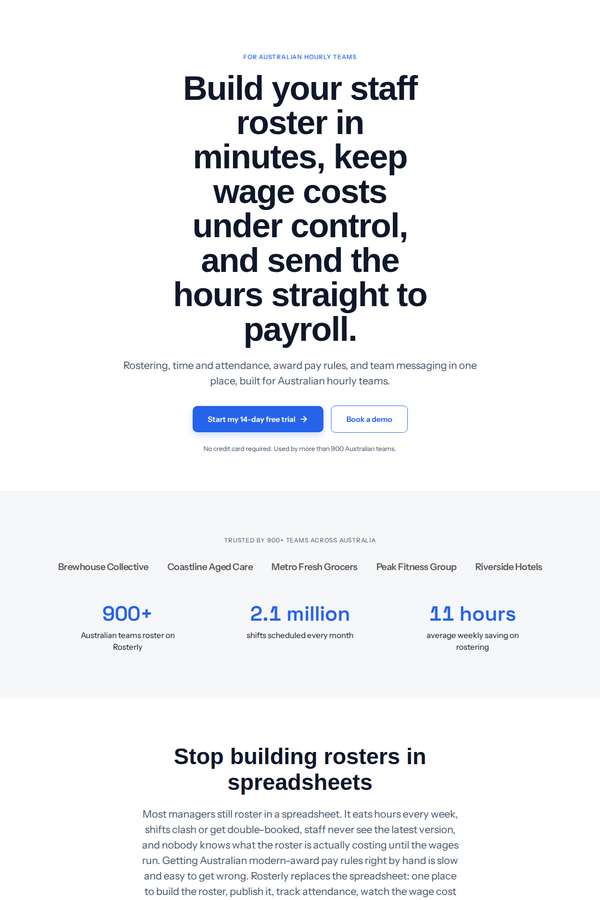
# Client brief: Rosterly, a workforce shift-scheduling platform You are designing and building the marketing website for a real B2B SaaS product. The brief below gives you the business facts, the goals, the audience, the sections the site must have, and the exact content to use. It gives you no visual direction on purpose. Every design decision - layout, type, colour, imagery, motion, tone - is yours to make. Read the whole brief, form a point of view on how this product should look and feel, and build it. ## The company Rosterly is a Melbourne software company that makes a workforce shift-scheduling platform for Australian businesses that run hourly teams: hospitality venues, retail stores, aged-care providers, gyms, and hotels. The product lets a manager build a staff roster, publish it to the team, track who actually turned up, keep wage costs under control, and send the hours to payroll. It is sold as a subscription, priced per active staff member per month. Rosterly is a self-serve product: most customers sign up, start a free trial, and are running their first roster the same week, though larger multi-site operators usually book a guided demo first. ## What the site is for The website has one job: turn a visitor into a trial signup or a booked demo. It is read by an operations manager, owner, or HR lead at a business with anywhere from 15 to a few hundred hourly staff, who is comparing rostering tools. Everything on the page should move that person toward either starting the free trial or booking a demo. 1. Explain, fast, what Rosterly does and why it is worth switching to. 2. Make the two calls to action - start a free trial, and book a demo - obvious and reachable from anywhere on the page. 3. Give a buyer enough (features, proof, pricing, answers to objections) to decide without having to email anyone first. ## Who it is for Operations managers, business owners, and HR leads at Australian businesses that roster hourly staff - hospitality, retail, aged care, fitness, and hotels. They are time-poor, they currently roster in spreadsheets or a tool they dislike, and they care about saved time, controlled wage costs, and getting Australian award pay rules right. ## One firm rule Any motion on the page must respect a visitor's reduced-motion preference. When reduced motion is requested, the whole site must still be completely readable and every section reachable as a calm, static page, with no information conveyed through movement alone. ## What the site must contain (all of these sections) - a hero with a clear value proposition and a primary call to action, - the problem it solves, - the key features (all of the ones listed below), - how it works, in three steps, - social proof: the five customer names as a logo strip, plus the testimonials, plus the headline metrics, - an integrations strip, - the pricing section: the three plans shown together in a comparison layout with the feature-comparison matrix, and with both monthly and annual pricing visible at the same time (do not hide either behind a toggle), - the frequently asked questions, - a final call to action, and a footer. ## Content to use Use the content below substantially as written, in Australian English. You may write your own section headings and any short connective microcopy (button labels, captions, form labels), but the facts, figures, names, prices, and descriptions are fixed. Do not invent extra features or plans, drop any that are listed, or change the prices, the feature-matrix rows, the testimonials, the metrics, or the FAQ answers. ### Hero - Value proposition: Rosterly builds your staff roster in minutes, keeps wage costs under control, and sends the hours straight to payroll. - Supporting line: Rostering, time and attendance, award pay rules, and team messaging in one place, built for Australian hourly teams. - Primary call to action: Start a 14-day free trial. - Secondary call to action: Book a demo. - Trust line: No credit card required. Used by more than 900 Australian teams. ### The problem it solves Most managers still build rosters in a spreadsheet. It eats hours every week, shifts clash or get double-booked, staff never see the latest version, and nobody knows what the roster is actually costing until the wages run. Getting Australian modern-award pay rules right by hand is slow and easy to get wrong. Rosterly replaces the spreadsheet: one place to build the roster, publish it, track attendance, watch the wage cost as you go, and export clean hours to payroll. ### Key features Present all six. - Drag-and-drop rostering. Build a week's roster by dragging shifts onto staff. Rosterly warns you about clashes, double-bookings, and anyone rostered over their available hours before you publish. - Award interpretation. Rosterly applies Australian modern-award pay rules as you build, so penalty rates, overtime, and allowances are costed in real time and payroll is right the first time. You review and approve before anything is finalised. - Time and attendance. Staff clock in and out from the free phone app with a photo and a geofenced location. Rosterly compares rostered hours to worked hours and flags the gaps so you only pay for time actually worked. - Shift swaps and availability. Staff set their availability and request swaps from their phone. Swaps need manager approval and only go to people qualified for the shift, so the roster stays covered. - Labour cost forecasting. See the wage cost of the roster against your sales forecast as you build it, per day and per week, so you can keep labour to target before the shifts are worked, not after. - Team messaging. Publish the roster and message the team in one place. Staff get a push notification the moment shifts change, so everyone is working from the current roster. ### How it works, in three steps 1. Set up your team. Import your staff, set their pay rates and availability, and choose the award rules that apply. Most teams are set up in under an hour. 2. Build and publish. Drag shifts onto the week, watch the wage cost update live, and publish the roster to everyone at once. 3. Track and export. Staff clock in from their phones, you approve the timesheets, and Rosterly exports the hours straight to your payroll system. ### Social proof Five customers, shown as a logo strip (use the names): - Brewhouse Collective - Coastline Aged Care - Metro Fresh Grocers - Peak Fitness Group - Riverside Hotels Headline metrics: - More than 900 Australian teams roster on Rosterly. - 2.1 million shifts are scheduled through Rosterly every month. - Managers save an average of 11 hours a week on rostering. Testimonials (use each with its name, role, company, and metric): - "Rosterly cut our weekly rostering from six hours down to about forty minutes, and the team always knows their shifts." - Nadia Fenwick, Operations Manager, Brewhouse Collective. Metric: from 6 hours to 40 minutes a week. - "We reduced unplanned overtime by 23 percent in our first quarter on Rosterly because we can finally see the wage cost before we publish." - Tom Whitfield, General Manager, Riverside Hotels. Metric: 23 percent less unplanned overtime. - "Award interpretation used to keep me up at night. Rosterly does it as we build the roster and it has been right every pay run." - Priya Anand, HR Lead, Coastline Aged Care. Metric: nine sites onboarded in eight weeks. ### Integrations strip Rosterly connects to the tools these teams already run. Show all of them: - Xero - MYOB - KeyPay - Square - Employment Hero - Slack - QuickBooks - ADP ### Pricing Three plans, priced per active staff member per month, in Australian dollars. Show all three together in a comparison layout, and show both the monthly price and the annual price for each plan at the same time (annual billing saves 20 percent; do not put either price behind a toggle). Prices exclude GST. - Starter. Monthly: A$5 per user per month. Annual: A$4 per user per month, billed yearly. For small teams getting off spreadsheets. Primary action: Start a free trial. - Growth. Monthly: A$9 per user per month. Annual: A$7 per user per month, billed yearly. The most popular plan, for growing businesses that need award pay rules and time and attendance. Primary action: Start a free trial. - Enterprise. Monthly: A$14 per user per month. Annual: A$11 per user per month, billed yearly. For multi-site operators that need custom rules and dedicated support. Primary action: Book a demo. The feature-comparison matrix. Show every row across the three plans (Starter, Growth, Enterprise): - Staff included: Up to 25 / Up to 100 / Unlimited. - Drag-and-drop rostering: Yes / Yes / Yes. - Shift swaps and availability: Yes / Yes / Yes. - Team messaging and notifications: Yes / Yes / Yes. - Time and attendance clock-in: No / Yes / Yes. - Award interpretation: No / Yes / Yes. - Labour cost forecasting: No / Yes / Yes. - Multi-site management: No / No / Yes. - Payroll export (Xero, MYOB, KeyPay): Basic / Yes / Yes. - Custom pay rules: No / No / Yes. - API access: No / No / Yes. - Onboarding: Self-serve / Guided setup / White-glove. - Support: Email / Priority email / Dedicated account manager. ### Frequently asked questions Use these questions and answers. - Do I need a credit card to start the trial? No. The 14-day free trial needs no credit card. You add payment details only if you decide to keep using Rosterly. - How is Rosterly priced? Per active staff member per month. You only pay for staff who are rostered in a given month, and annual billing saves 20 percent. - Does it handle Australian modern awards? Yes. Rosterly interprets common modern-award pay rules - penalty rates, overtime, and allowances - as you build the roster. You review and approve every roster before it is finalised. - Can staff clock in from their phones? Yes. Staff clock in and out from the free Rosterly app on iOS and Android, with a photo and a geofenced location so you know they were on site. - Which payroll systems can I export to? Rosterly exports approved hours to Xero, MYOB, KeyPay, and others, so you are not re-keying timesheets. - What if I have more than one location? The Enterprise plan supports multi-site management, with per-site rosters, permissions, and reporting. - Can I cancel anytime? Yes. Monthly plans can be cancelled at any time. Annual plans can be cancelled within 30 days for a pro-rata refund. ### Final call to action and footer - Final call to action: Start scheduling smarter this week. Buttons: Start a 14-day free trial, and Book a demo. - Footer contact details: Rosterly, Level 4, 120 Spencer Street, Melbourne VIC 3000. Phone 1300 767 837. Email hello@rosterly.com.au. - Footer should also group the usual product, company, and legal links (you may write the link labels), and carry the line: Copyright 2026 Rosterly Pty Ltd. ## Output contract (React, single page) Build one single-page site. Output exactly two files: - `App.tsx` - a default-exported React component. Define any subcomponents in this same file. This is the whole page. - `theme.css` - a Tailwind v4 `@theme` token block, your `font-family` choices from the shared font menu below, and any custom CSS you need. The only imports allowed in `App.tsx` are `react`, `framer-motion`, `lucide-react` (never the Sparkles icon), and, for 3D, `three`, `@react-three/fiber`, and `@react-three/drei`. No other packages, no network requests, and no external assets: all imagery must be inline SVG, CSS, drawn in code on a canvas, or rendered with WebGL. The fonts are bundled offline, so use only the shared menu: Archivo (including Archivo Expanded), Instrument Sans, Space Grotesk, Work Sans, IBM Plex Sans, IBM Plex Mono, JetBrains Mono, Fraunces, Instrument Serif, Playfair Display, Lora, Caveat. Make it responsive across mobile, tablet, and desktop. The page must also remain fully readable and usable if WebGL is unavailable: never leave a visitor with a blank screen or a missing section because a 3D canvas failed to start.