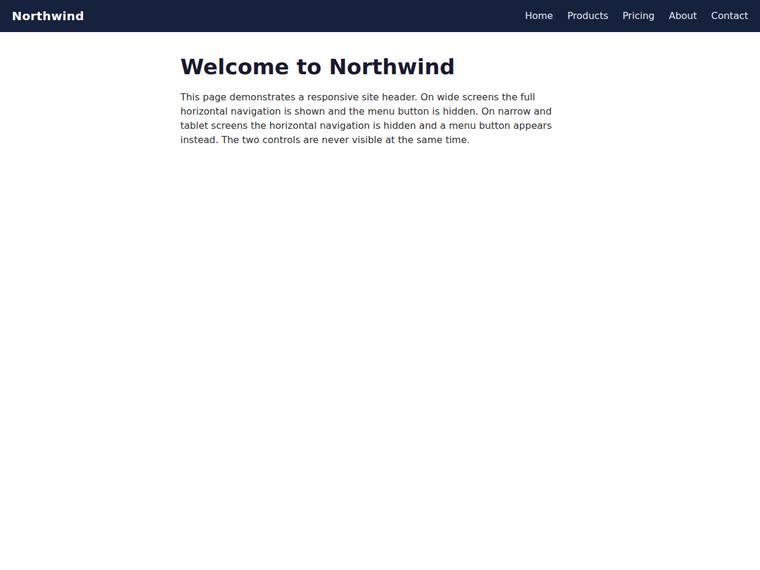
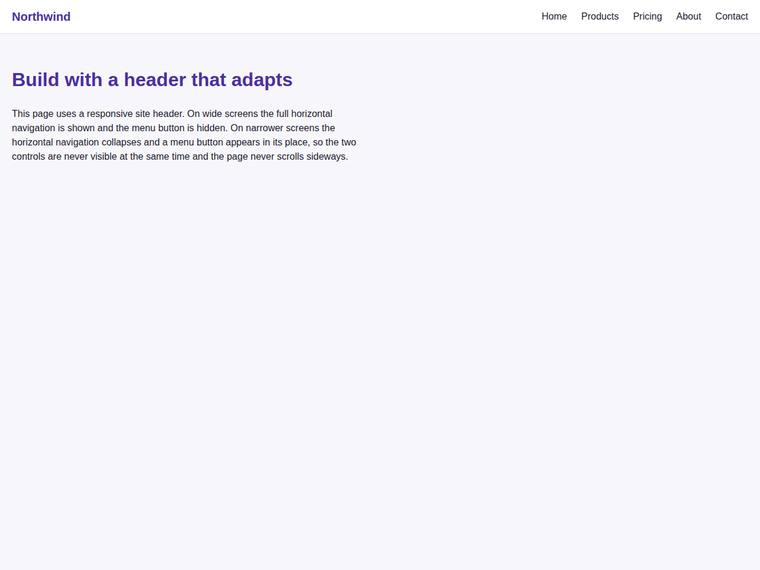
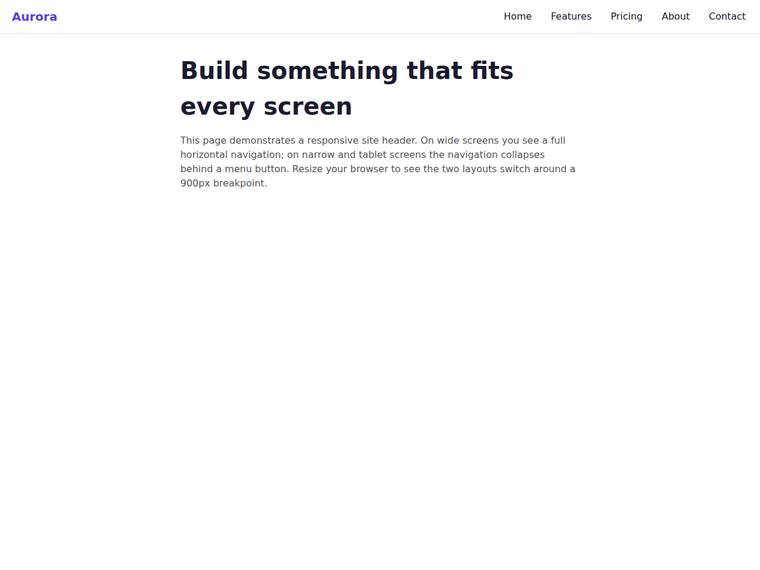
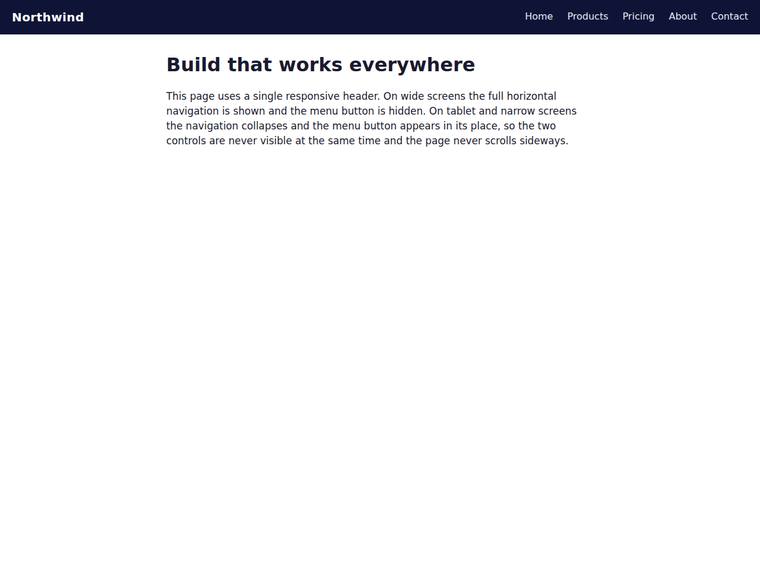
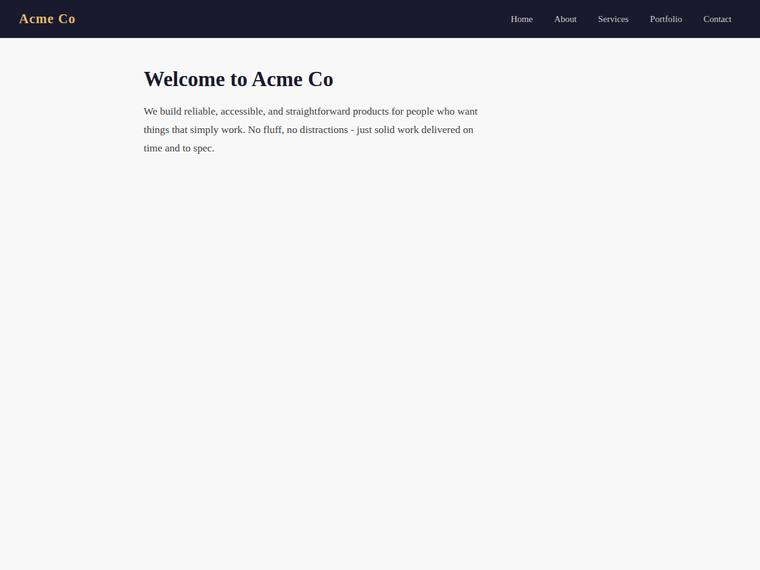
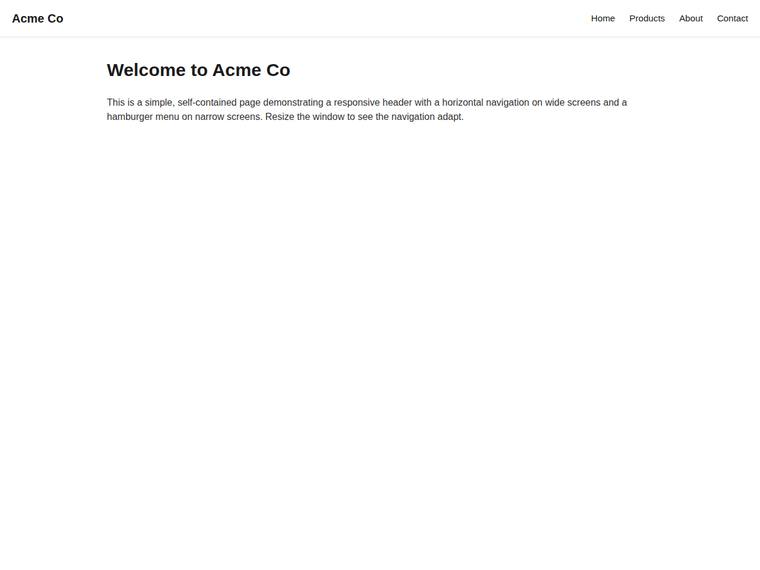
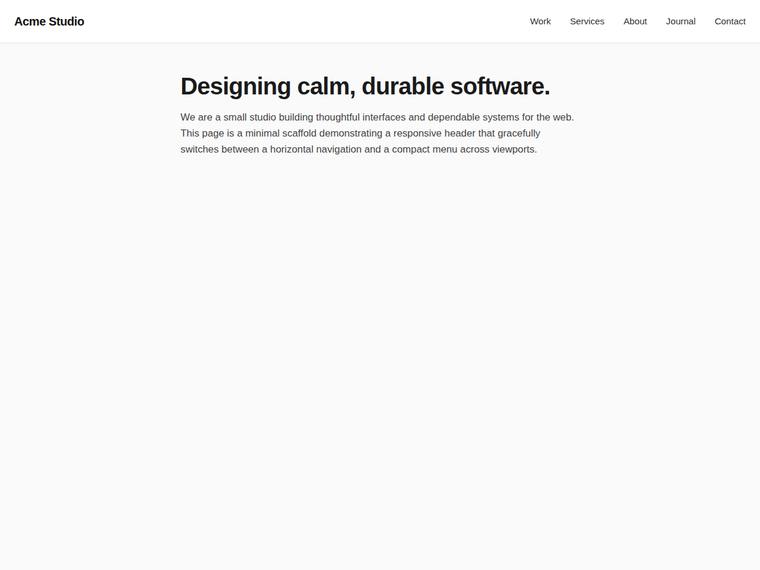
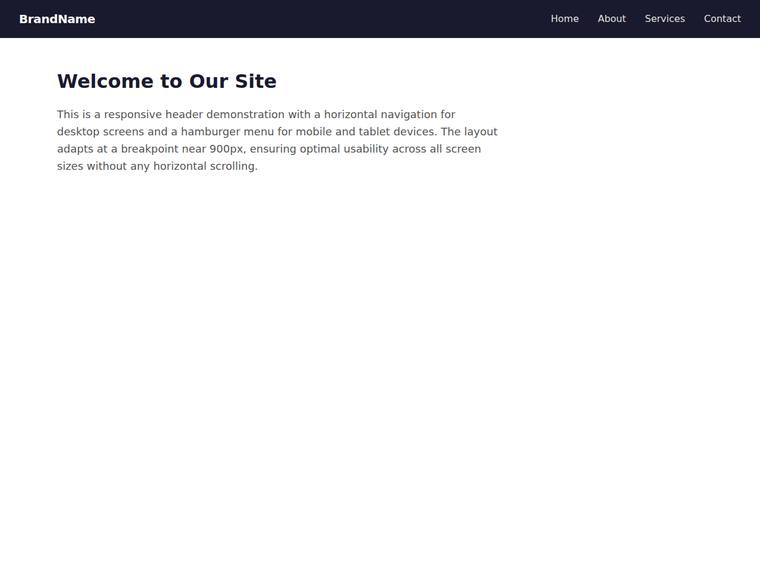
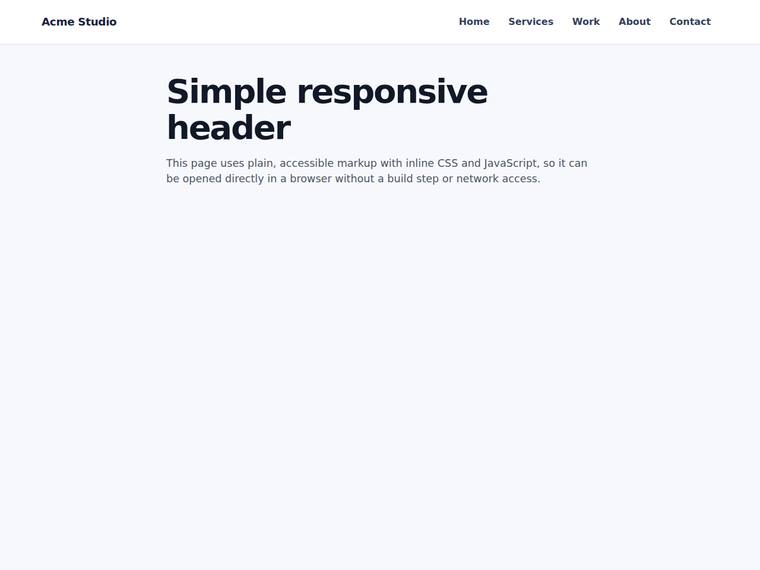
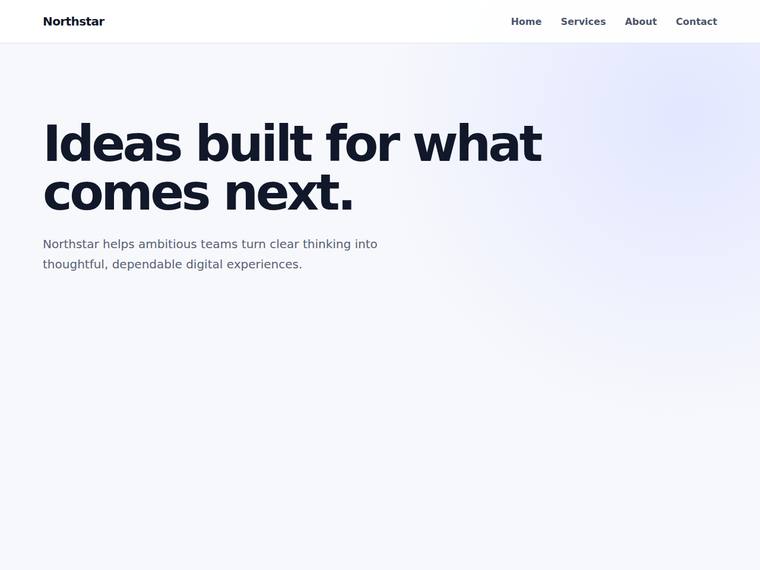
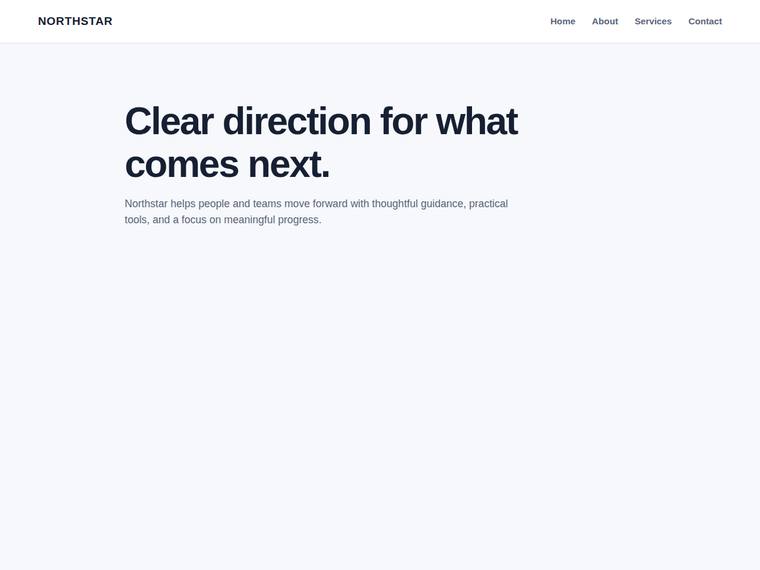
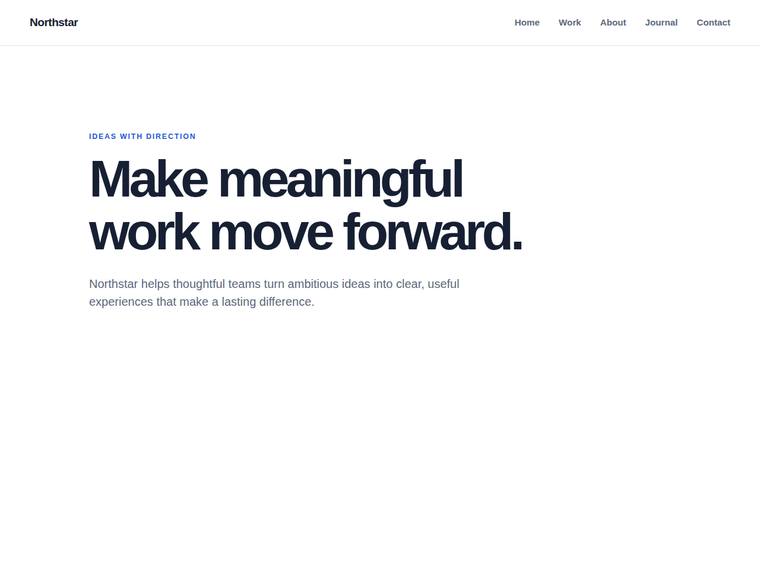
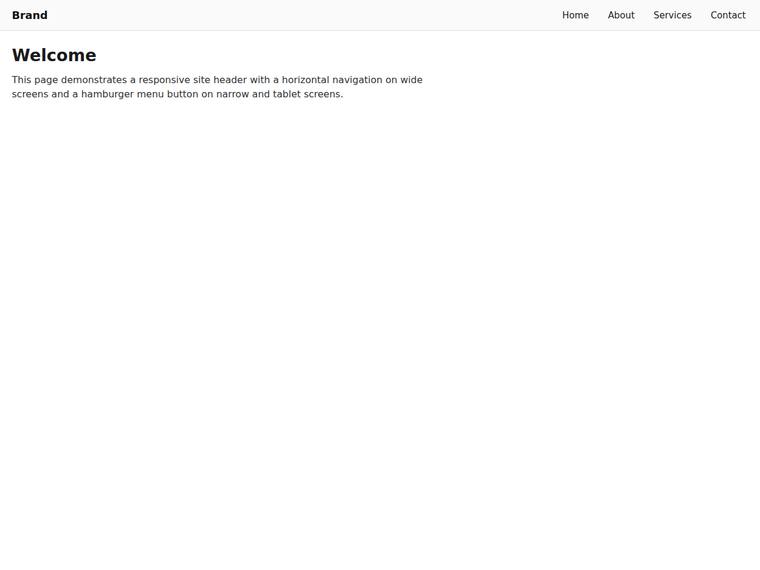
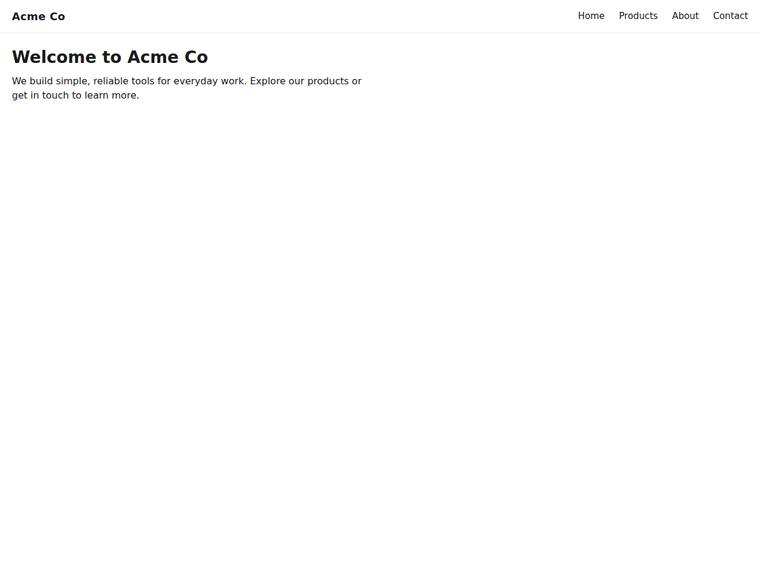
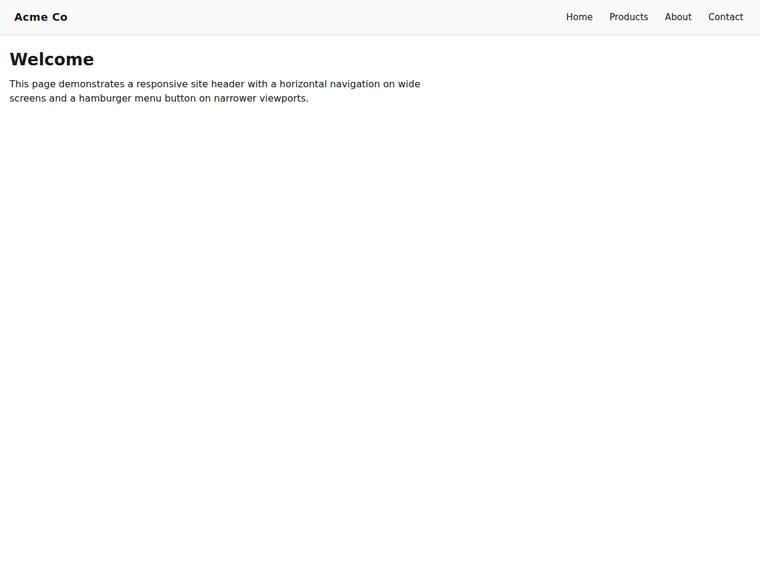
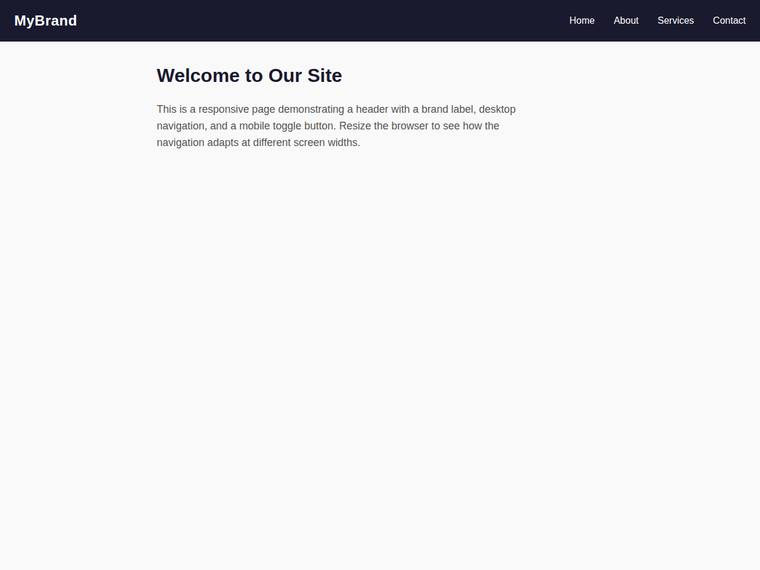
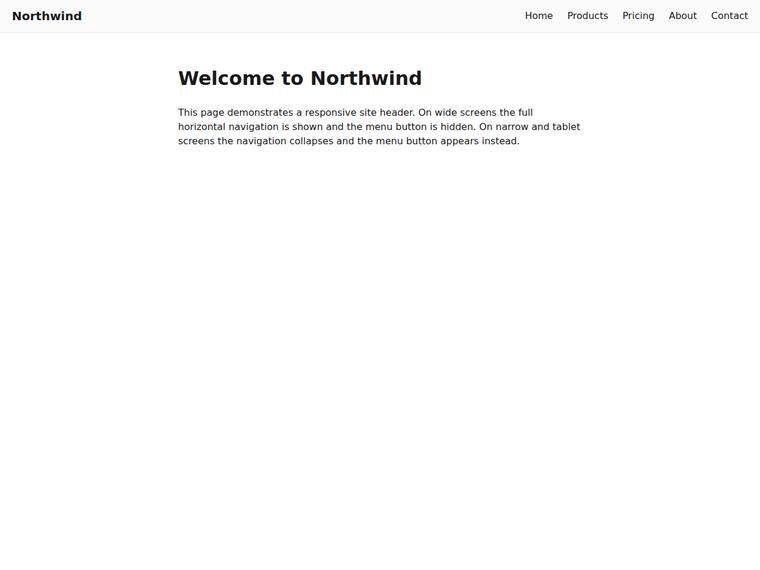
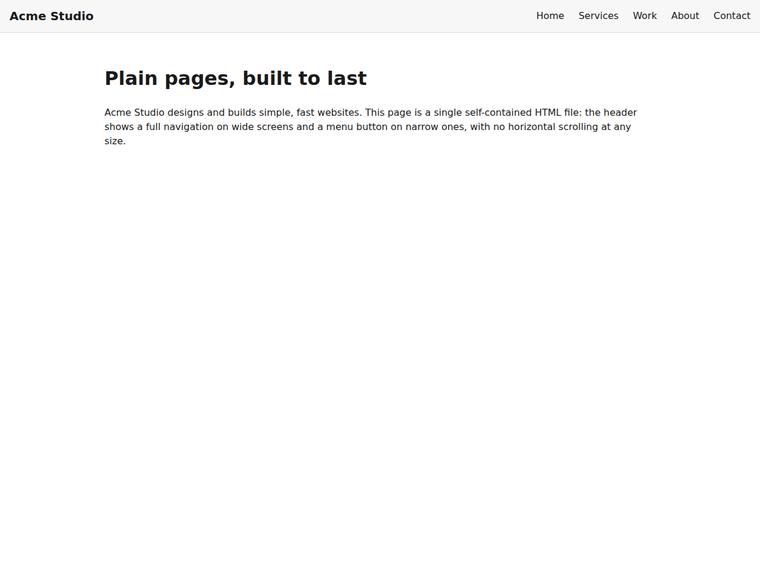
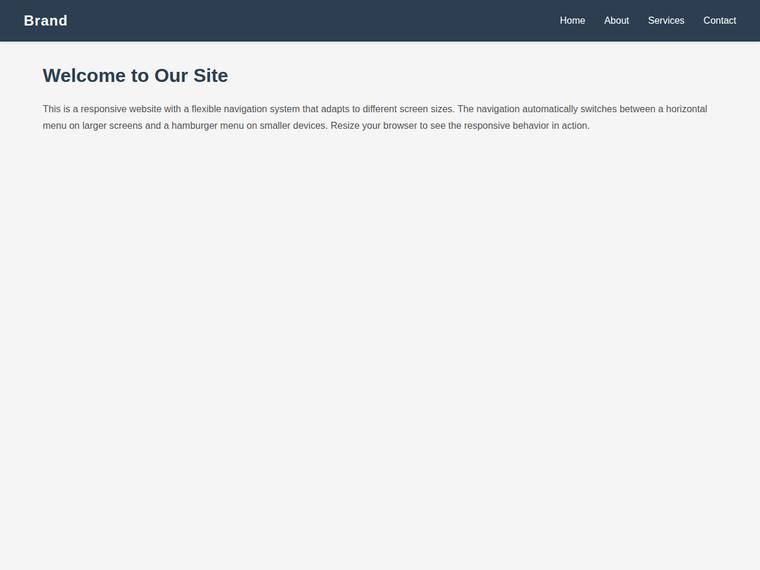
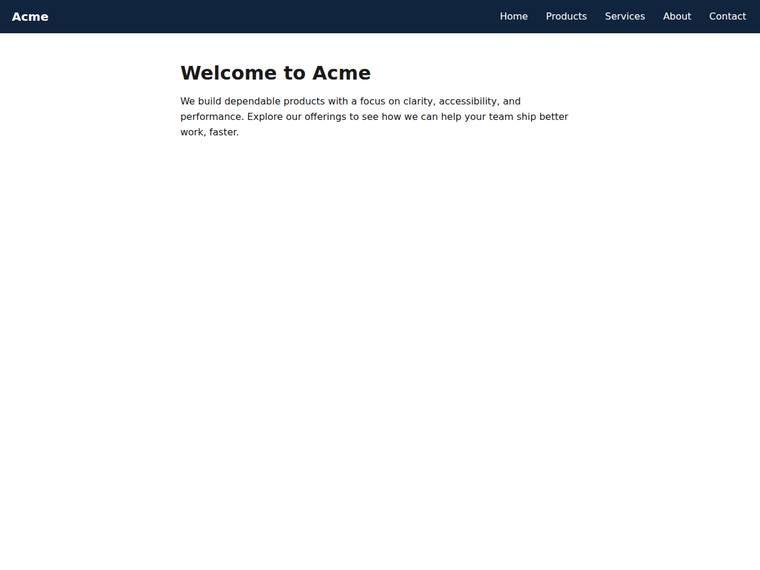
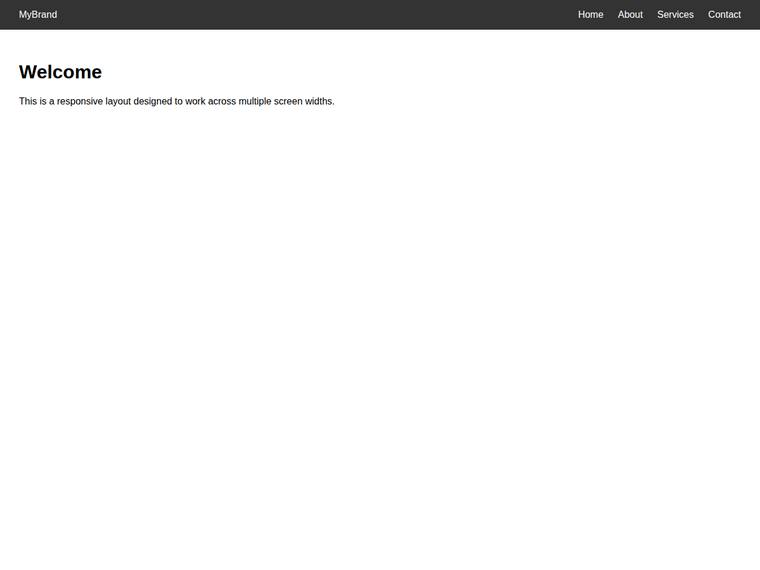
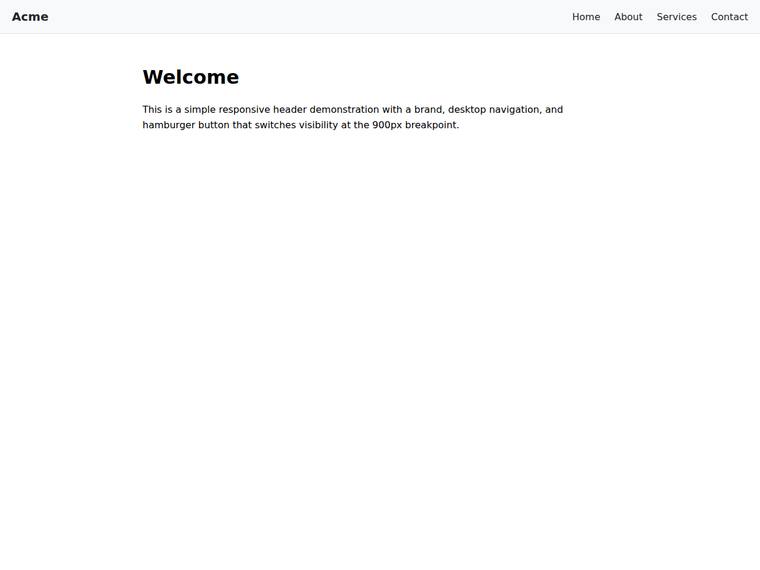
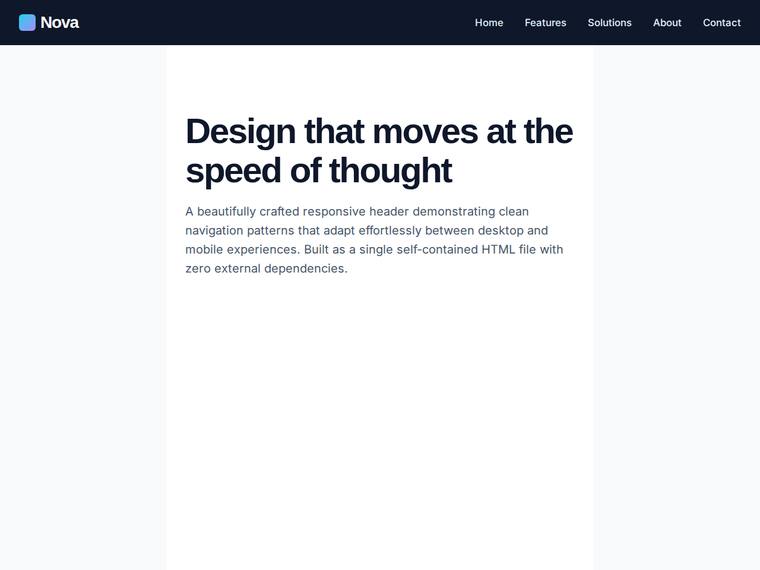
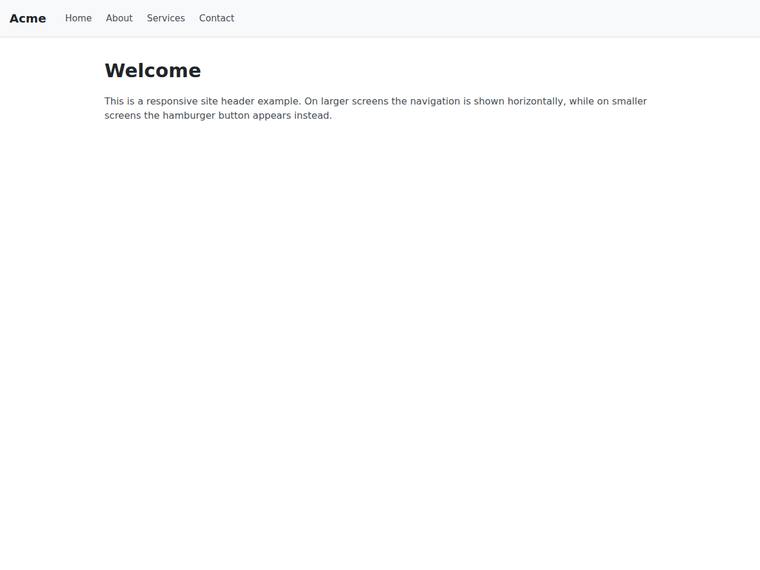
Header nav that collapses to a menu button below a breakpoint
One task across 30 published runs. Inspect the scores and outputs together, with each run's execution method shown.
- Task
- RESPO-0001
- Domain
- Websites
- Difficulty
- medium
Leading published run: claude-opus-4-8 (medium reasoning) at 100.0% composite. Lowest: deepseek-v4-flash at 0.0%. 30 published runs shown on this task.
How this task was evaluated
Results are ordered by this task's published score. API runs use one prompt and one completion; agent runs use a coding harness with tools and iteration. Inspect the execution method when comparing results.
Objective scores use the benchmark's execution checks. Judge scores use a vision panel's fixed rubric; the published score leaves out a model's own family. Missing values are labelled rather than treated as zero.
Read the brief
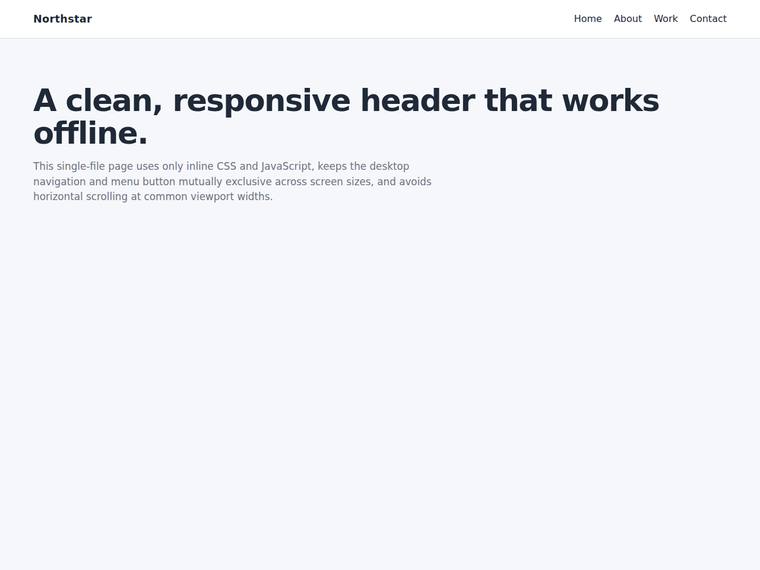
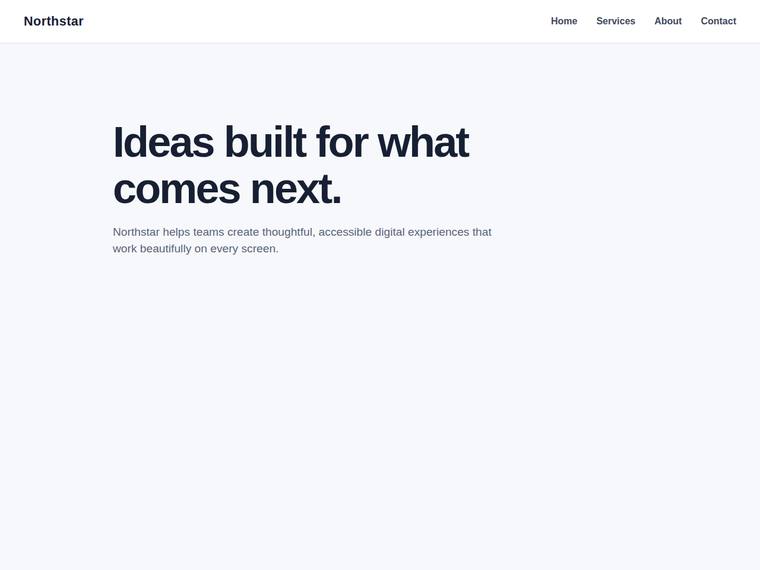
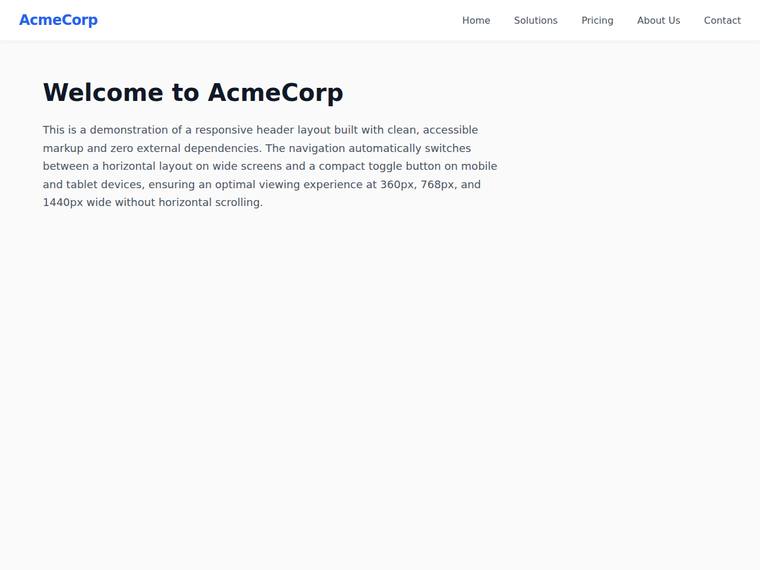
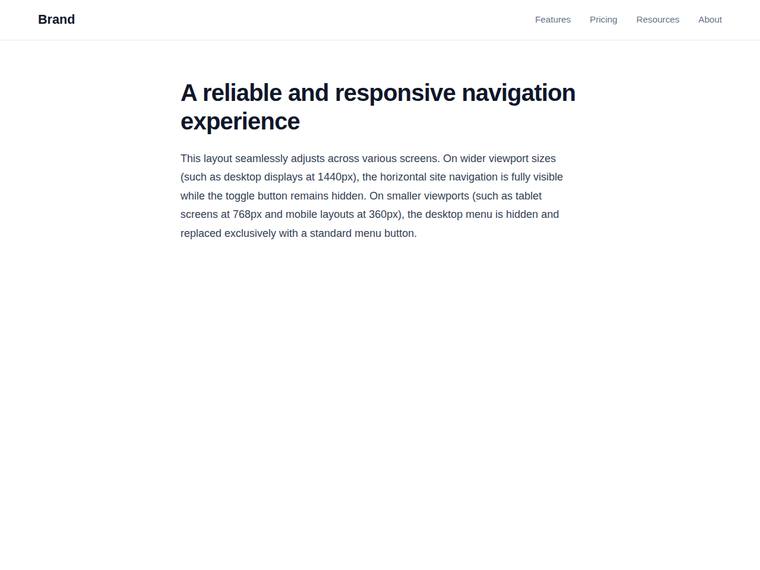
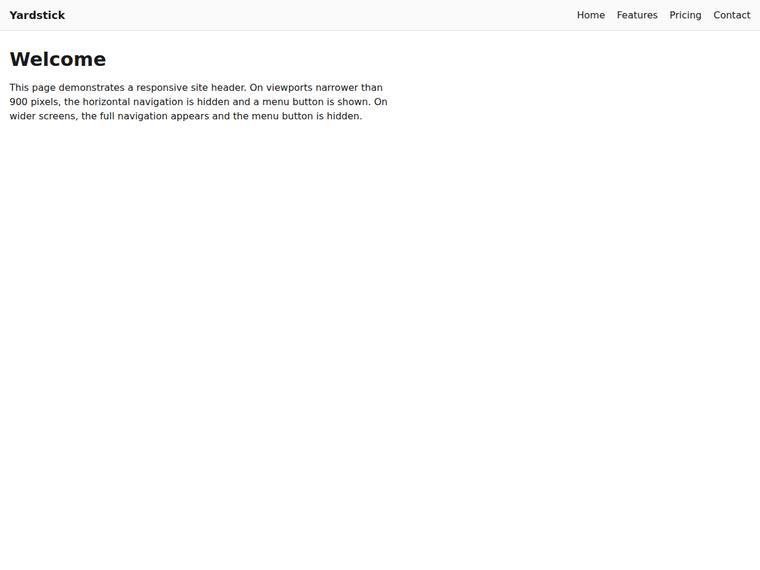
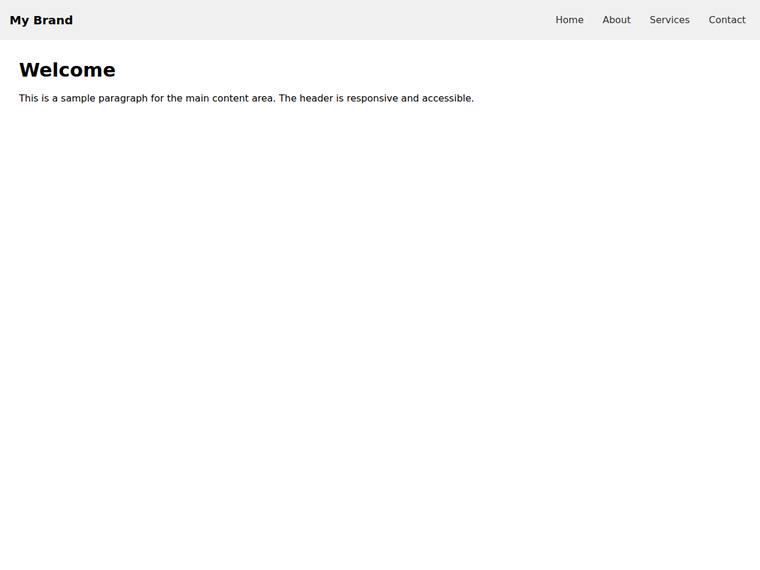
Build a single self-contained HTML file (`index.html`) that renders with no build step and no network calls (inline all CSS and JS; no external fonts, scripts, or images). Build a site header containing: - a brand label on the left, - a full horizontal navigation with at least four links, in an element with class "desktop-nav", and - a menu (hamburger) button, a real <button> with id="nav-toggle" and class "nav-toggle". Make the header responsive about a breakpoint near 900px wide: - on wide screens (around 1440px) show the horizontal "desktop-nav" and keep the "nav-toggle" button hidden (display:none), - on narrow and tablet screens (around 360px and 768px) hide the "desktop-nav" (display:none) and show the "nav-toggle" button instead. The two navigation controls must never both be visible at the same width, and the page must not scroll horizontally at any of 360px, 768px, or 1440px wide. Also include a <main> with a single <h1> and a paragraph. Use plain, accessible markup.