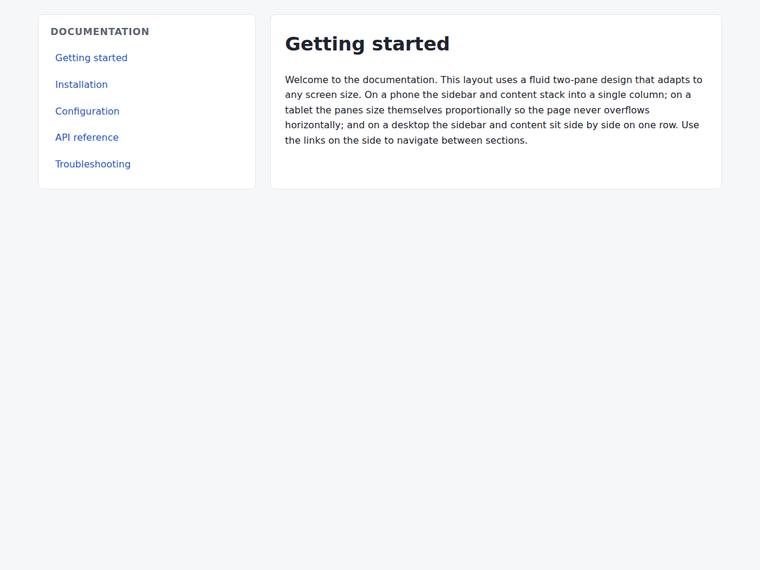
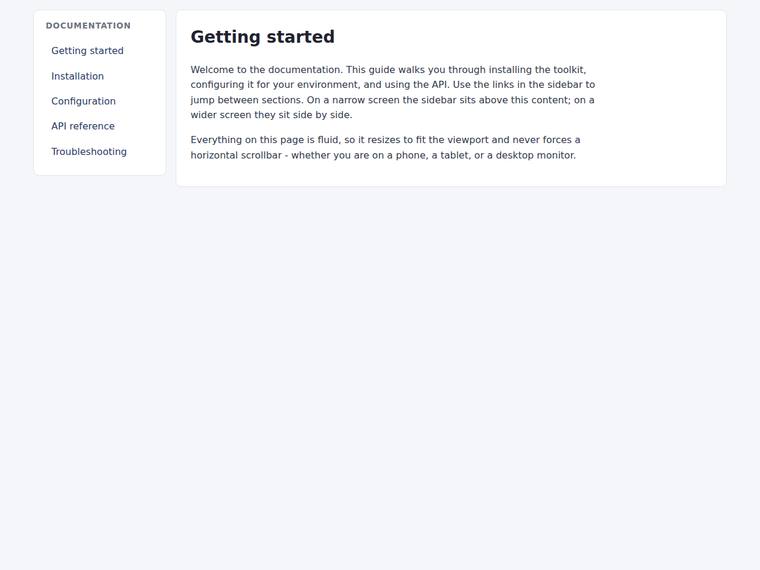
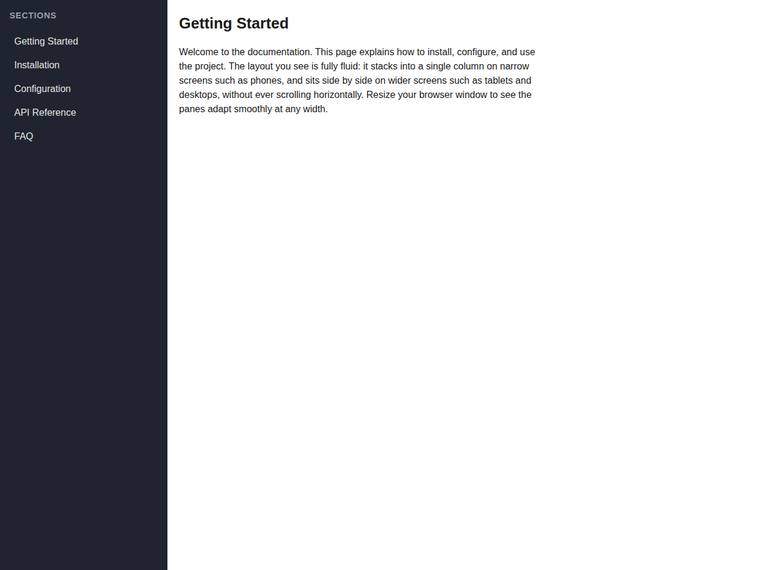
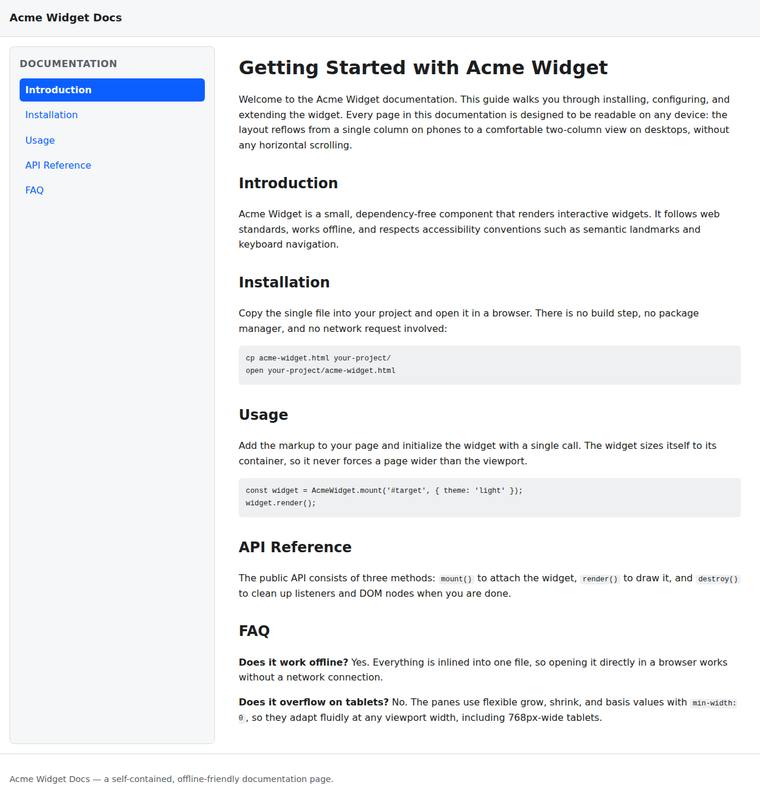
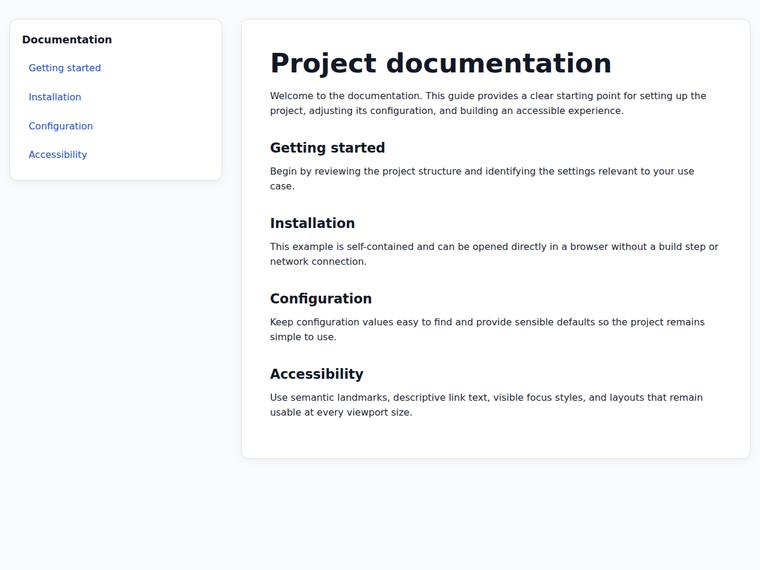
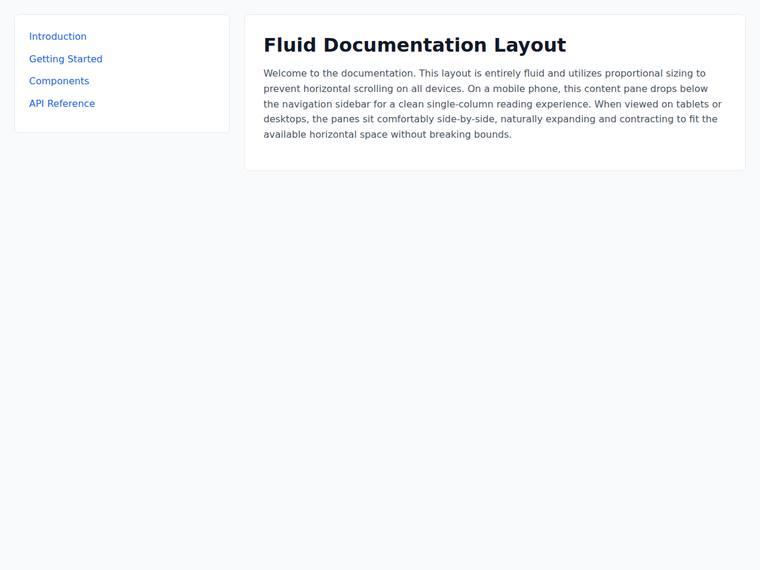
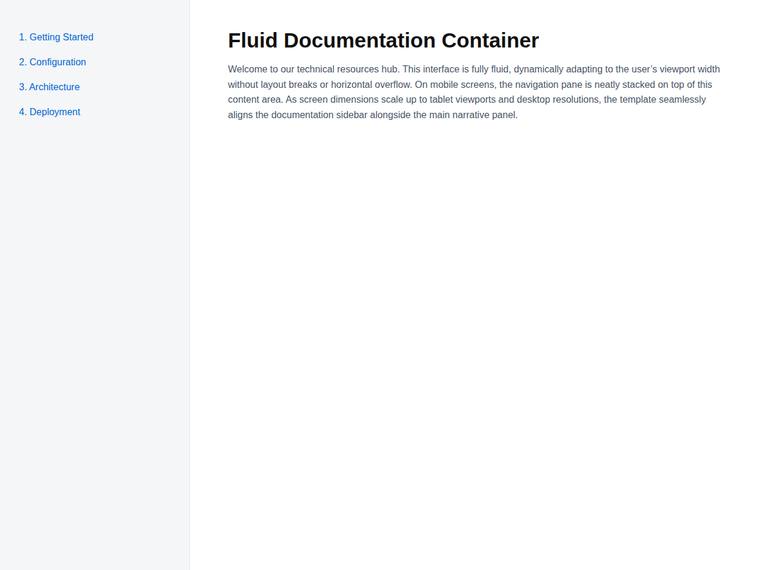
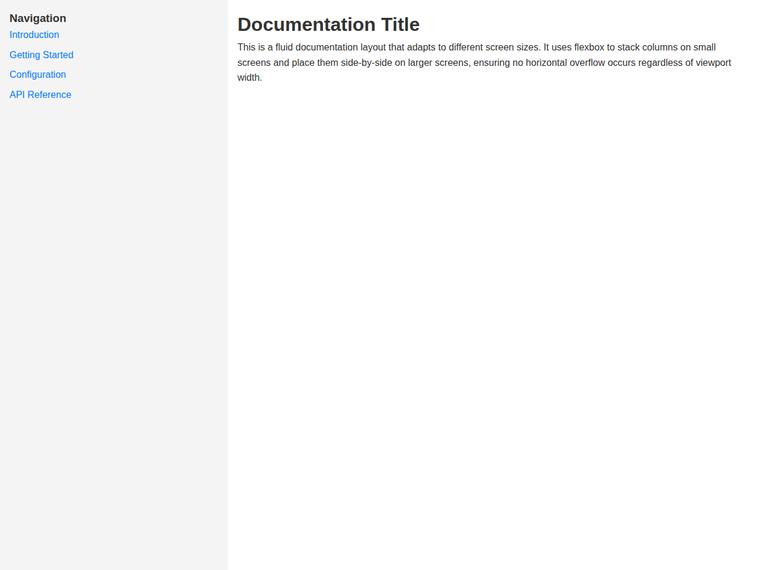
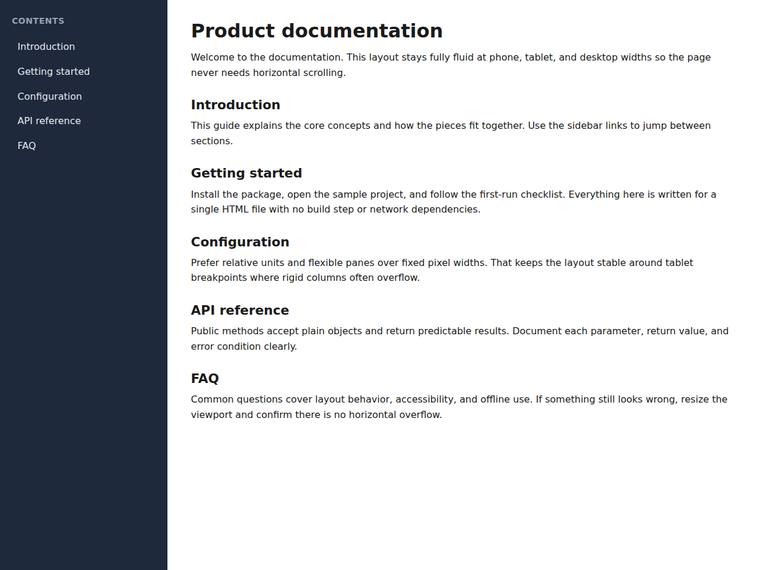
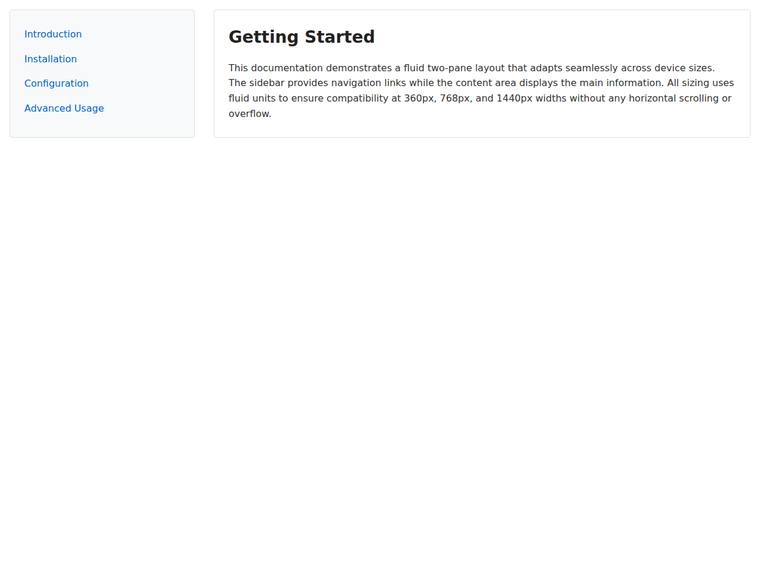
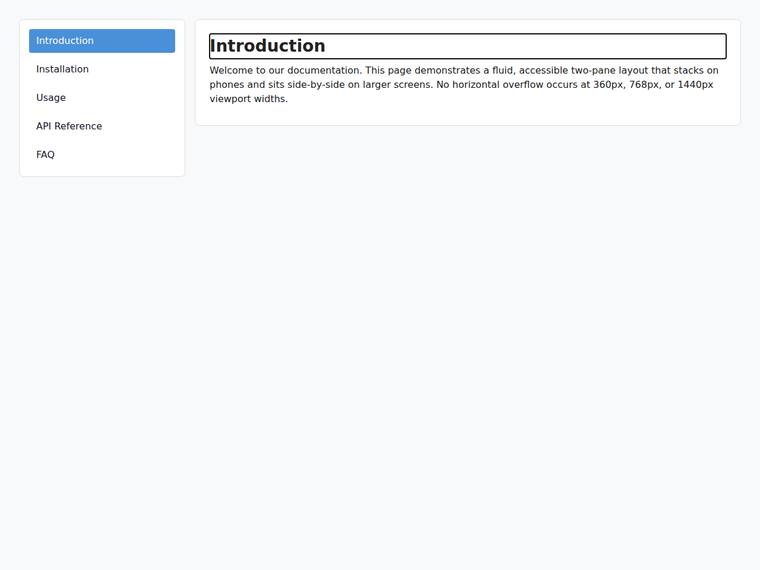
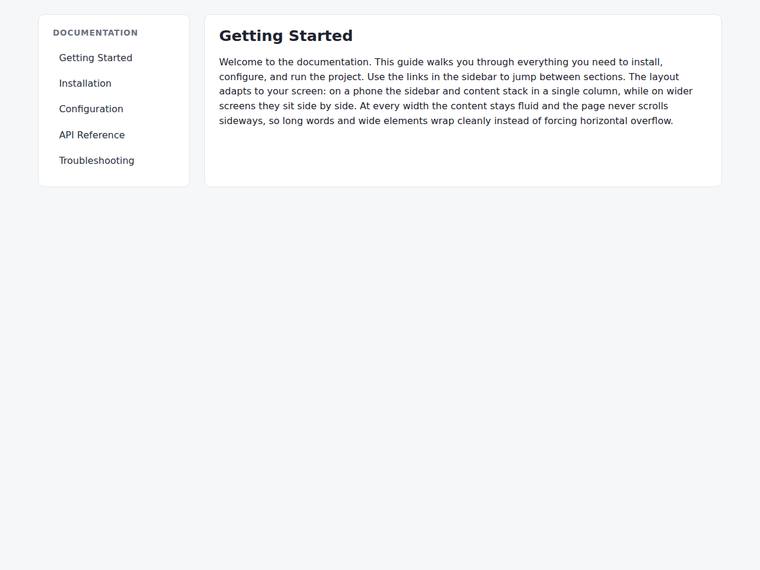
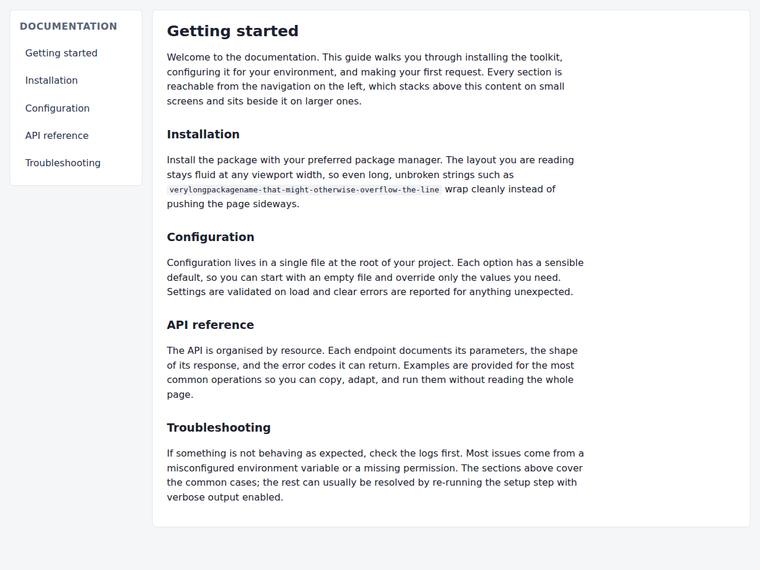
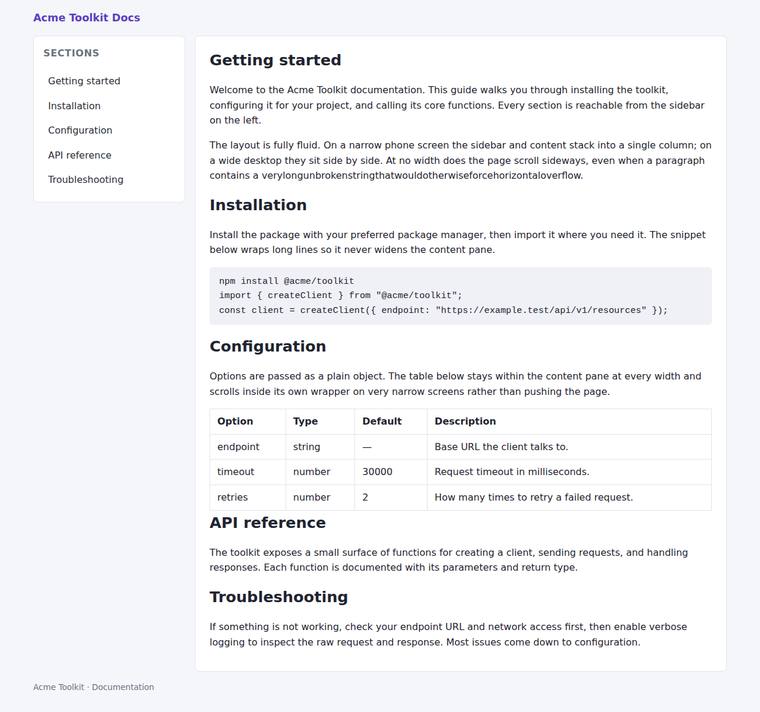
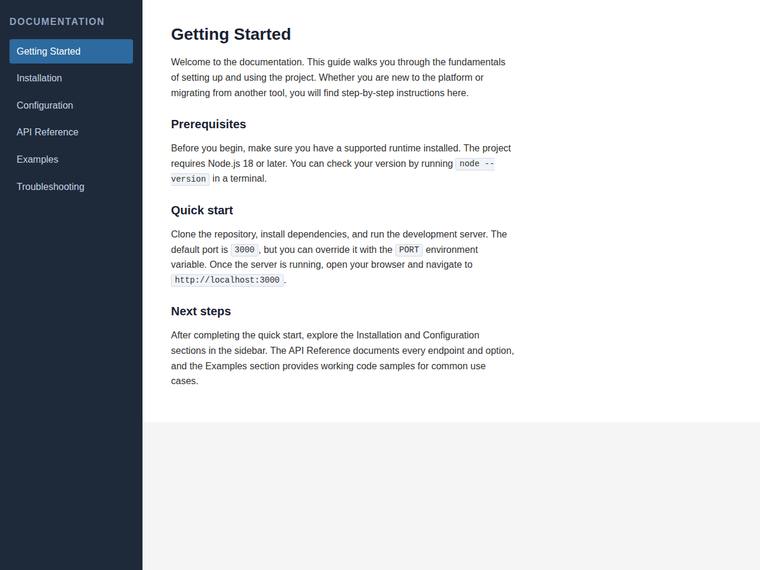
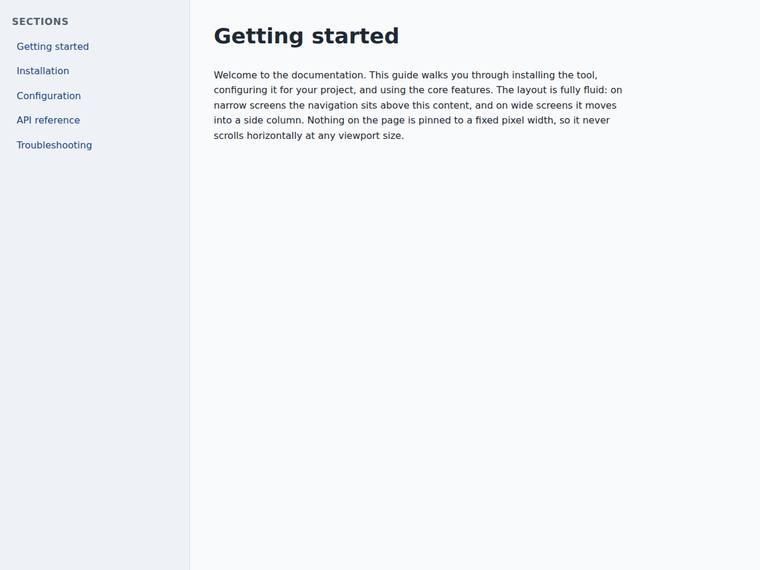
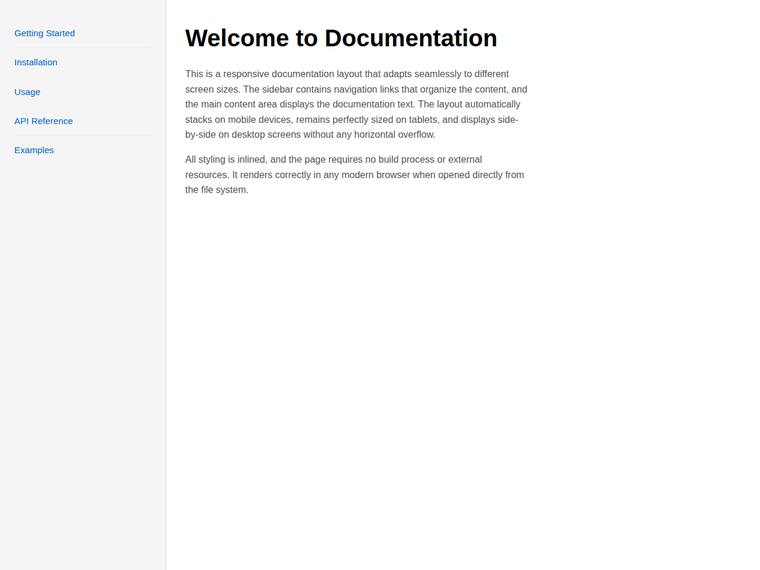
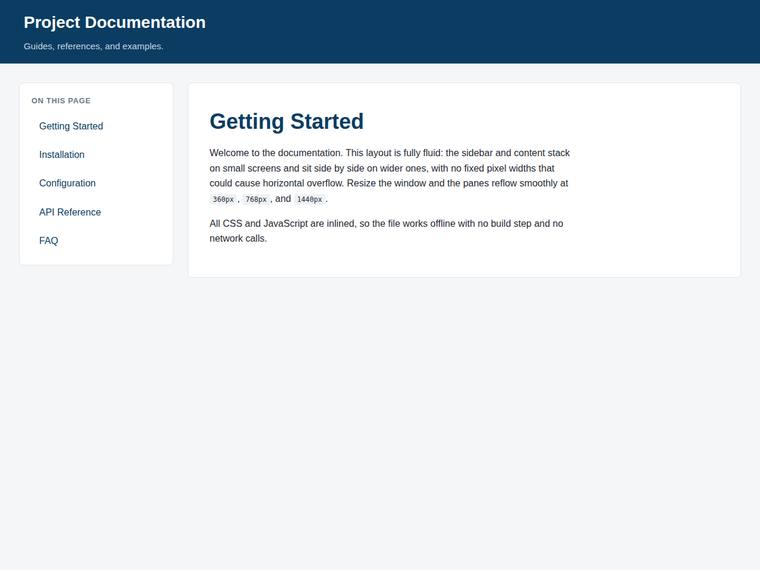
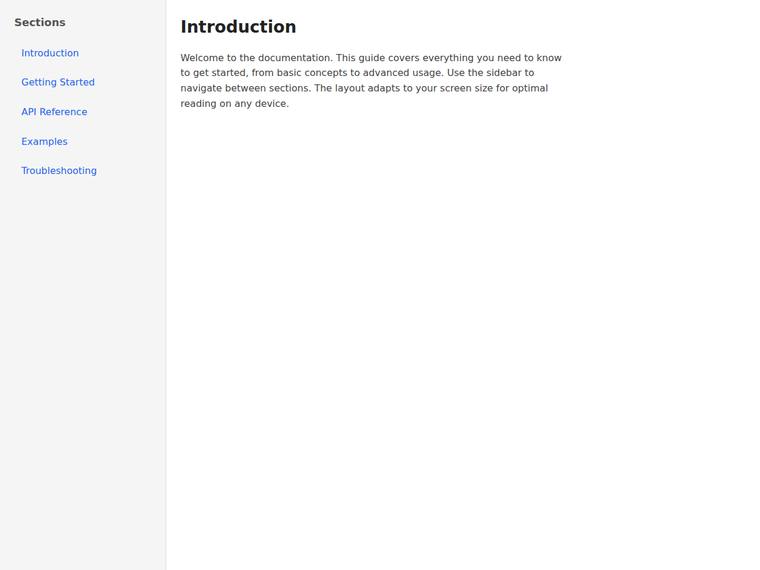
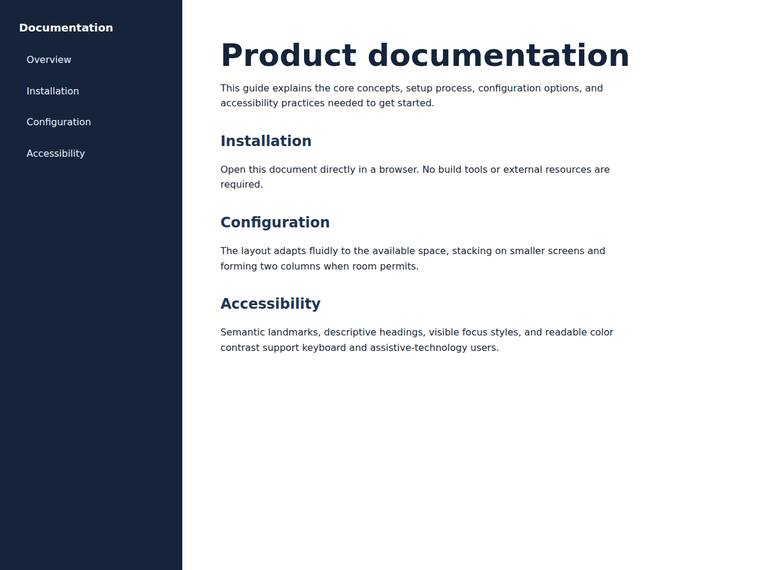
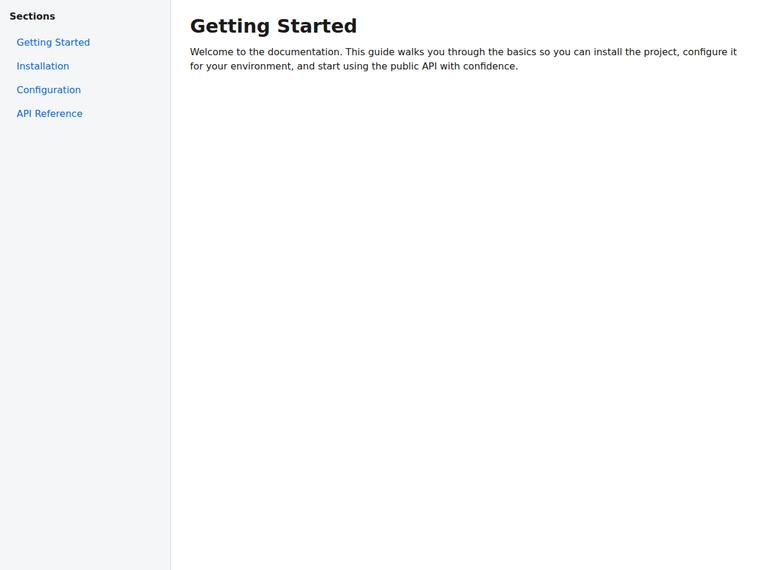
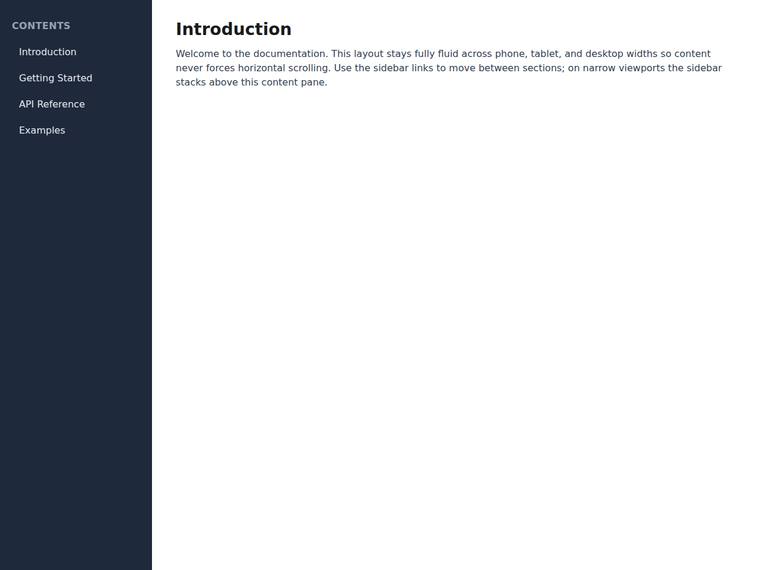
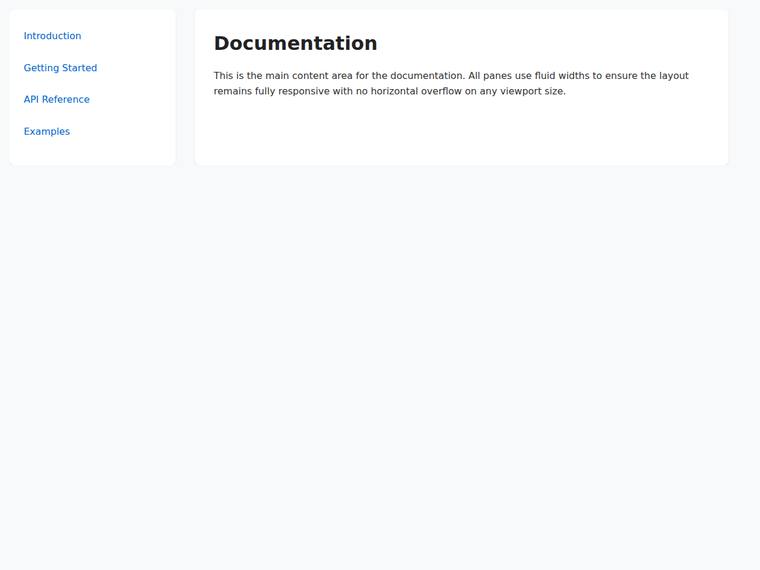
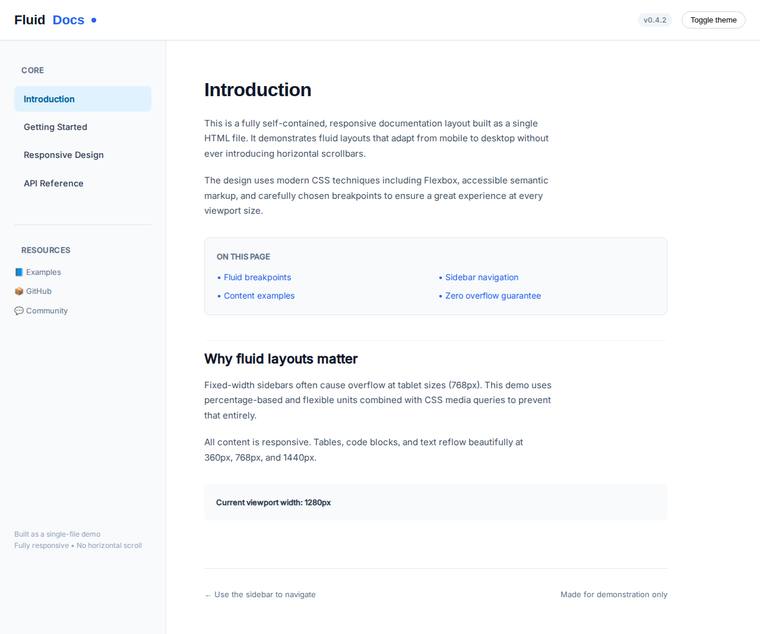
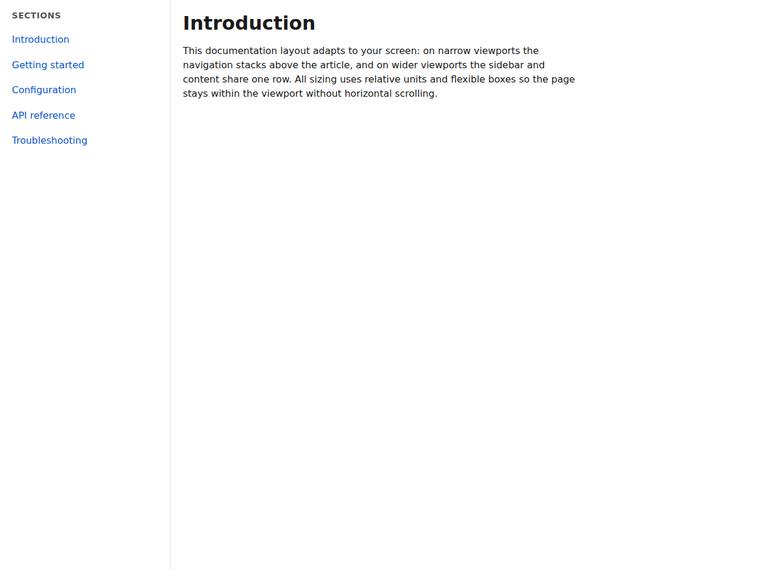
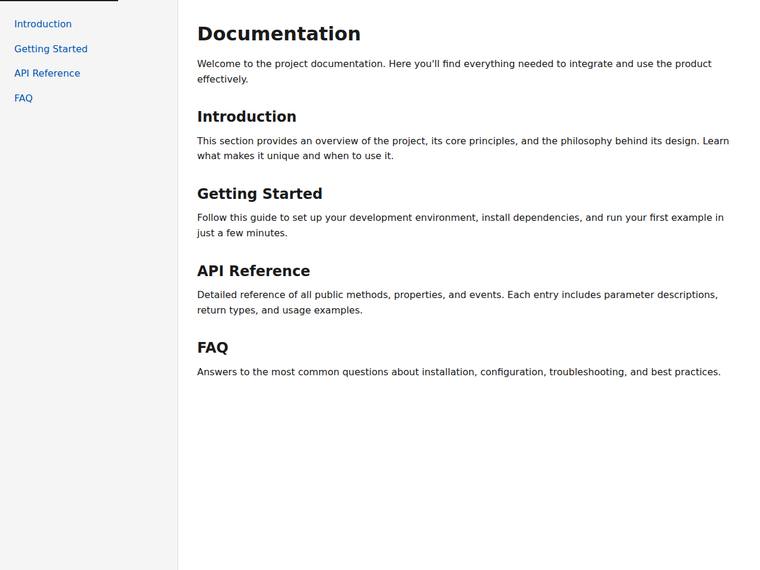
Sidebar and content layout that never overflows, including at the tablet width
One task across 30 published runs. Inspect the scores and outputs together, with each run's execution method shown.
- Task
- RESPO-0003
- Domain
- Websites
- Difficulty
- hard
Leading published run: claude-opus-4-8 (low reasoning) at 100.0% composite. Lowest: deepseek-v4-pro at 0.0%. 30 published runs shown on this task.
How this task was evaluated
Results are ordered by this task's published score. API runs use one prompt and one completion; agent runs use a coding harness with tools and iteration. Inspect the execution method when comparing results.
Objective scores use the benchmark's execution checks. Judge scores use a vision panel's fixed rubric; the published score leaves out a model's own family. Missing values are labelled rather than treated as zero.
Read the brief
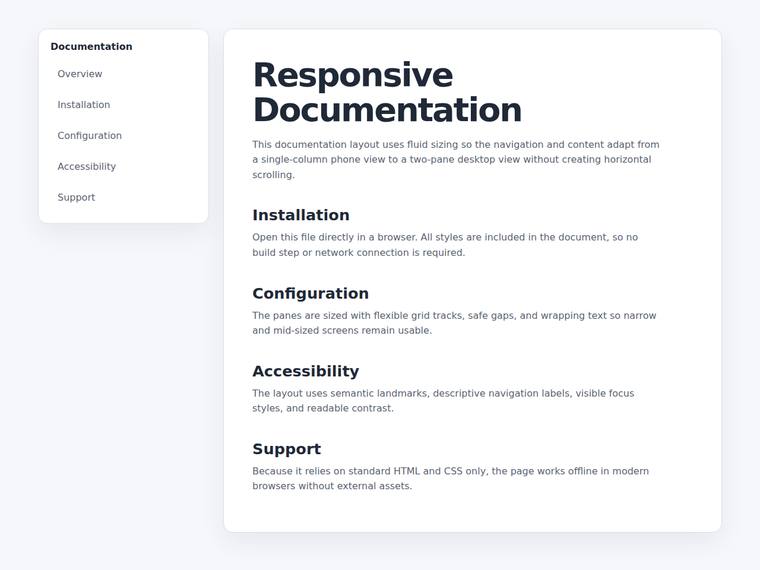
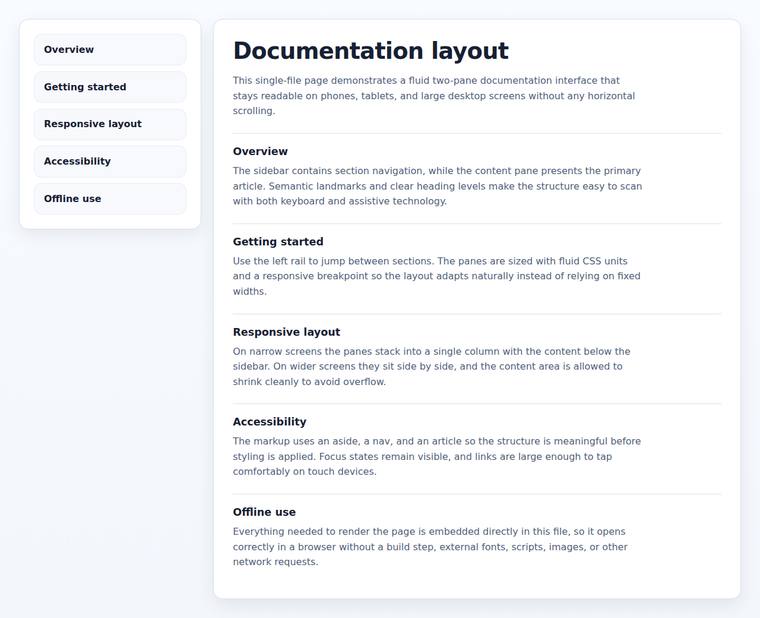
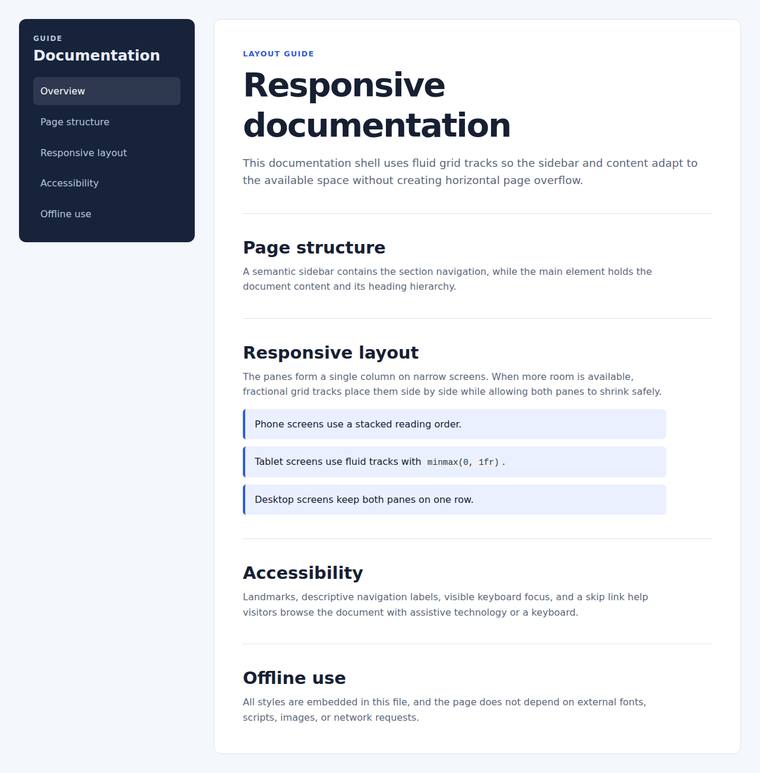
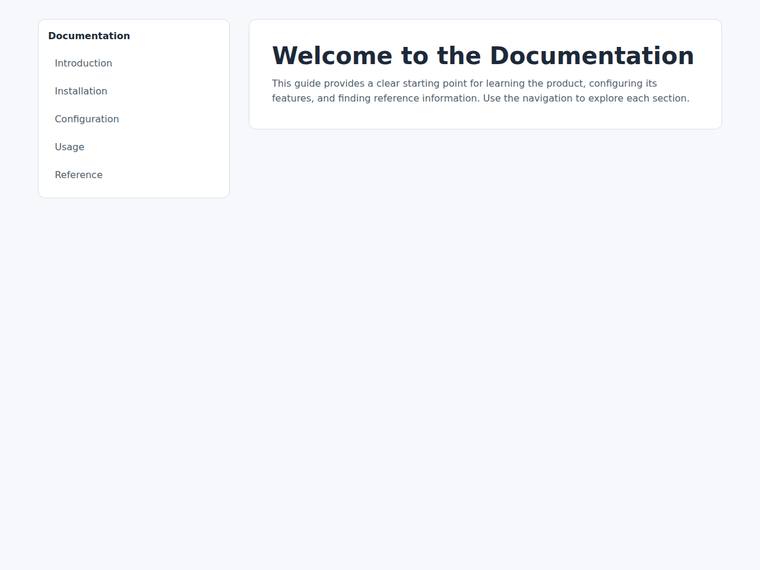
Build a single self-contained HTML file (`index.html`) that renders with no build step and no network calls (inline all CSS and JS; no external fonts, scripts, or images). Build a documentation layout with two panes inside a container with id="docs-layout": - a sidebar (id="docs-sidebar") listing at least four section links, and - a content pane (id="docs-content") with an <h1> and a paragraph. Make it fully fluid so it never scrolls horizontally at any width: - on a phone (around 360px wide) the two panes stack in one column (the content pane sits below the sidebar), - on a tablet (around 768px wide) the layout must not overflow horizontally - this is the width where a fixed-pixel pane usually breaks, so size the panes fluidly, and - on a desktop (around 1440px wide) the sidebar and content sit side by side on one row. Do not pin any pane, table, or image to a fixed pixel width wider than a tablet viewport. The page must have zero horizontal overflow at each of 360px, 768px, and 1440px wide. Use plain, accessible markup.