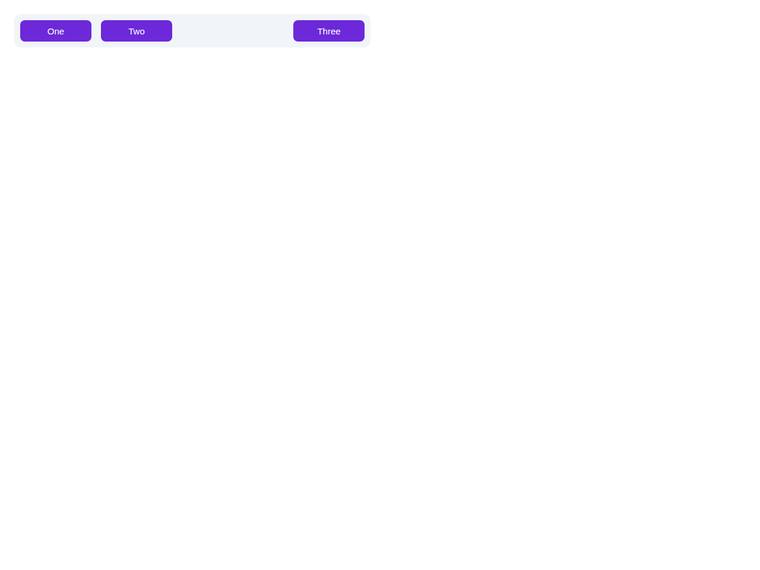
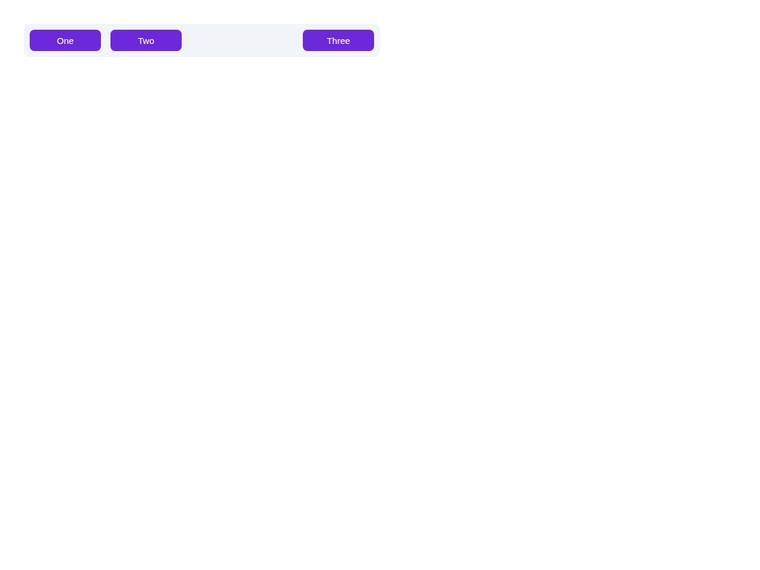
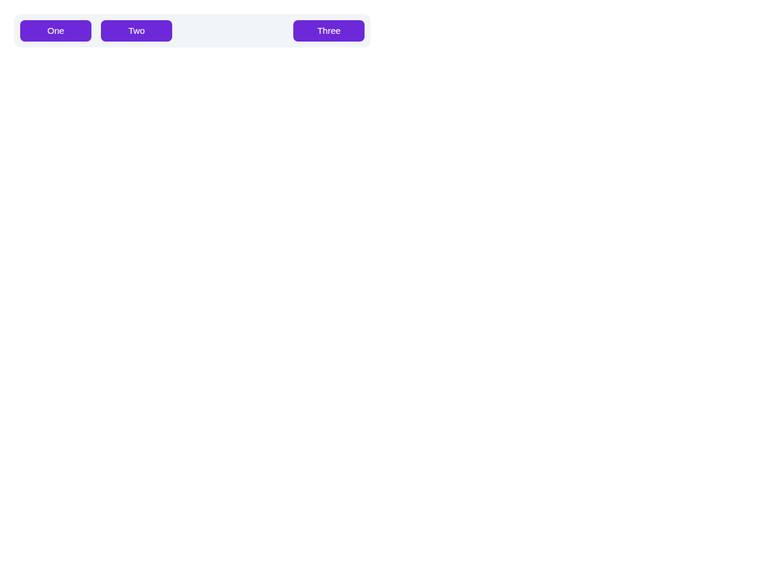
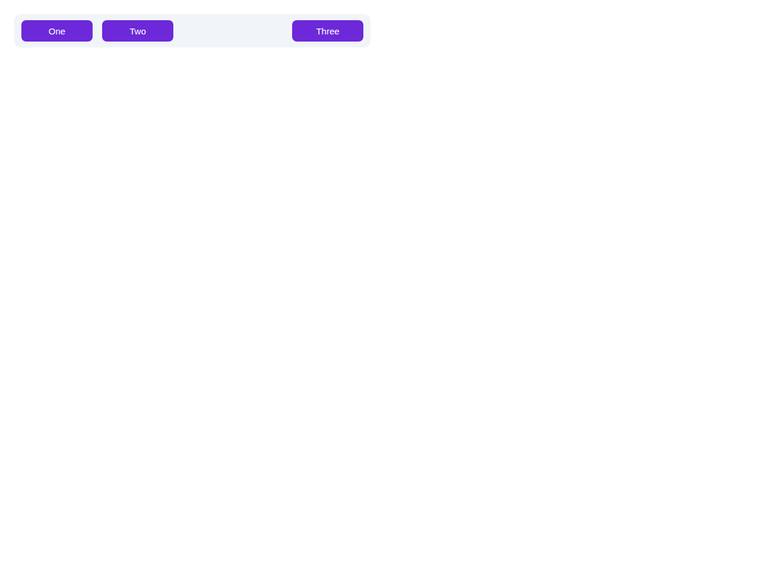
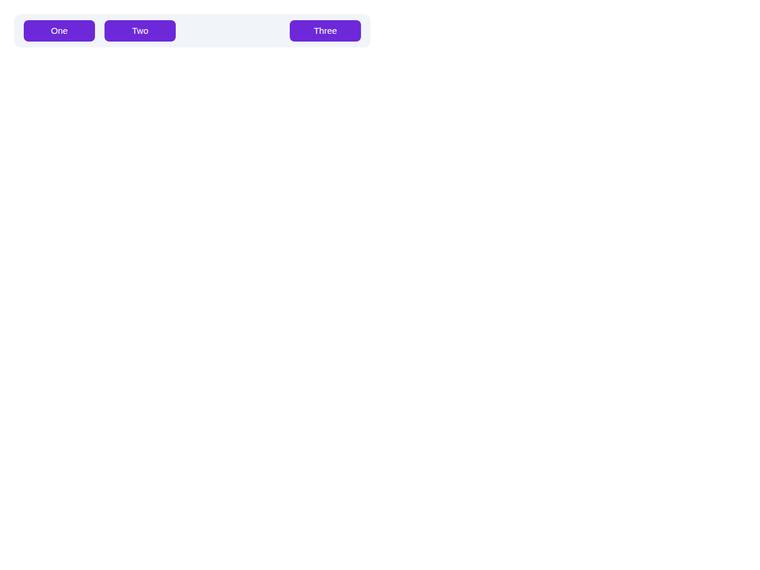
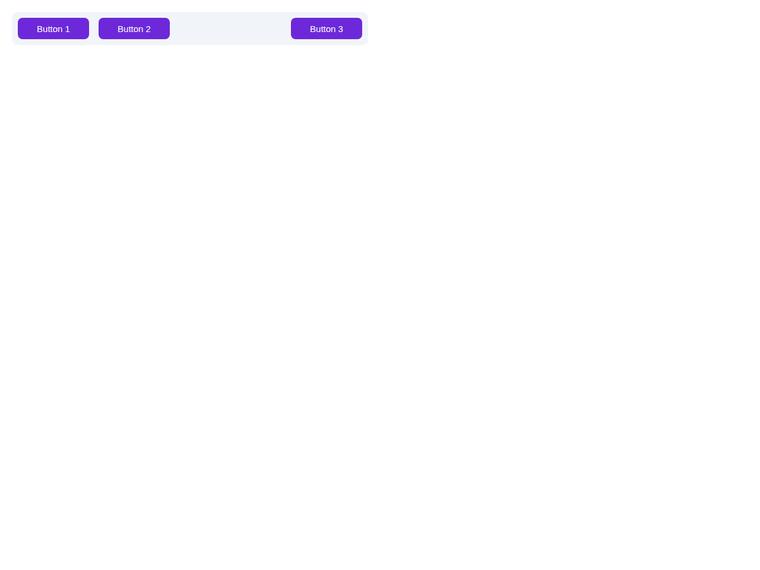
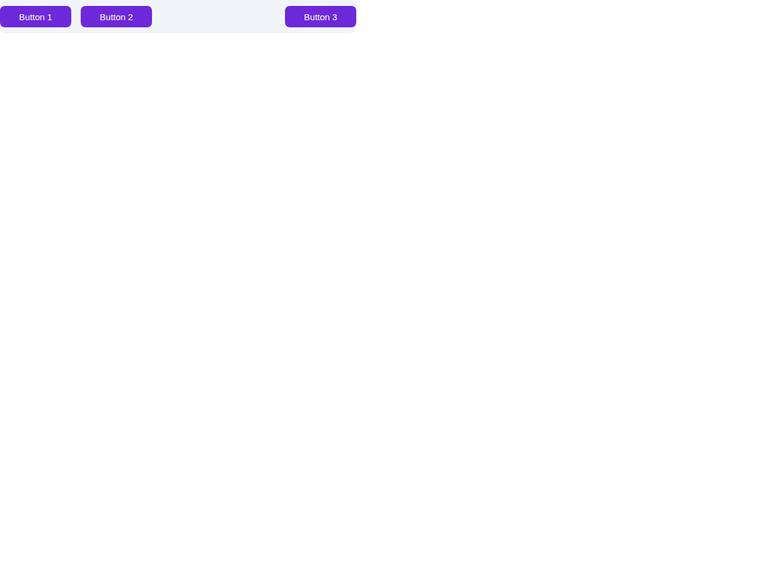
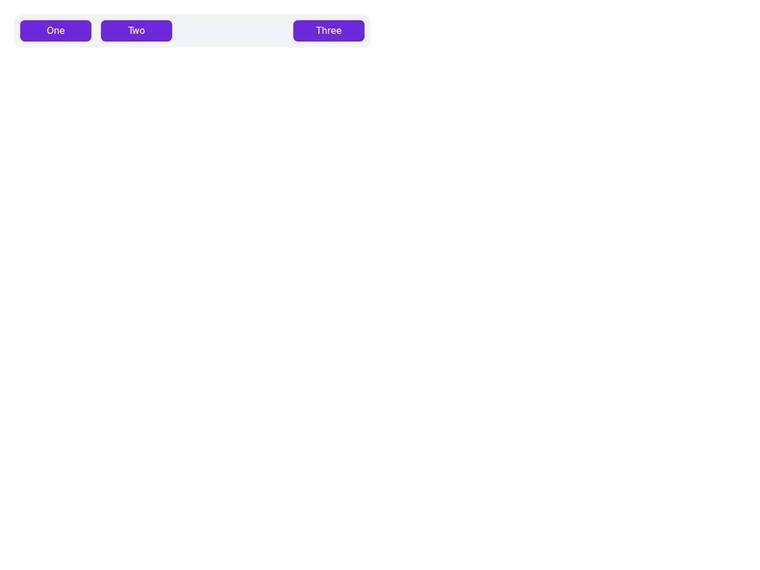
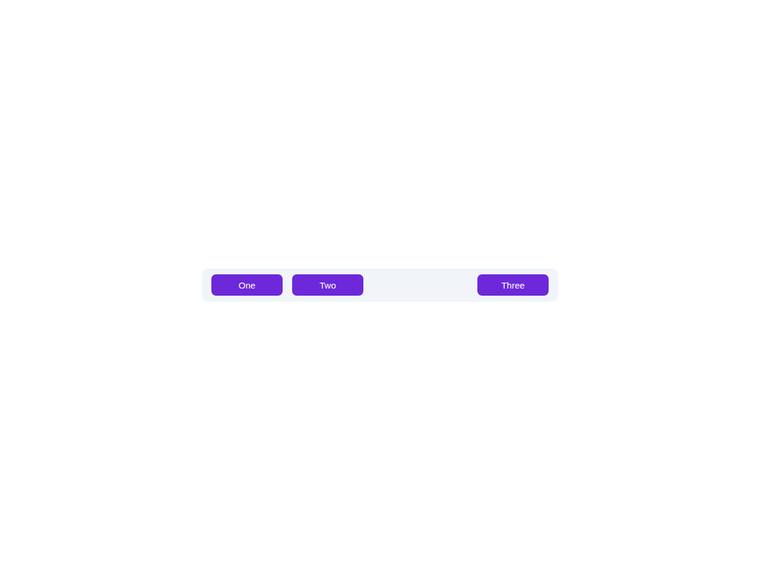
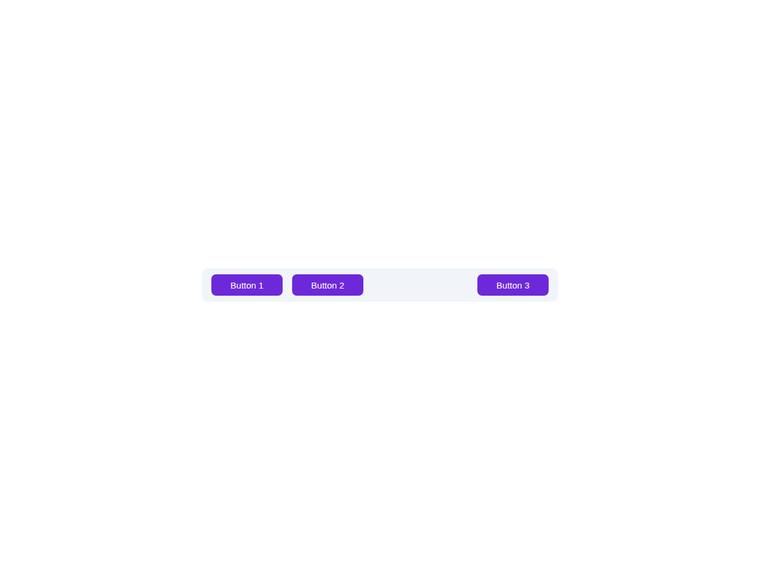
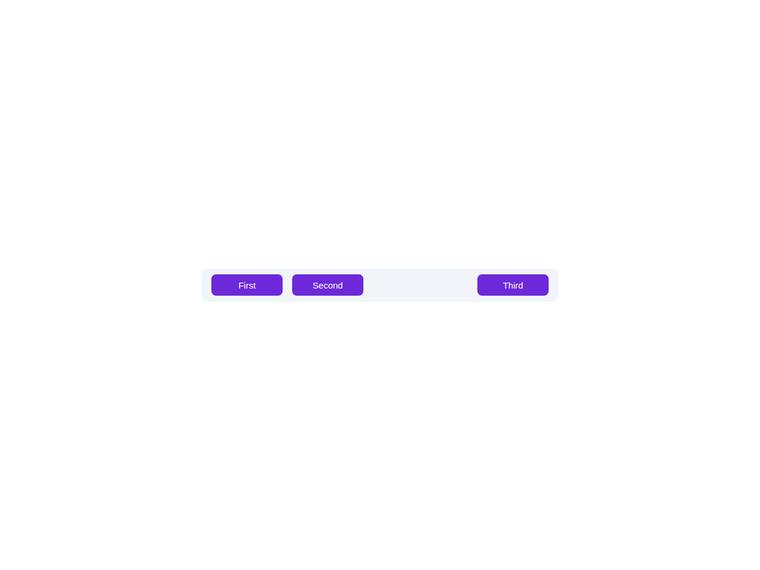
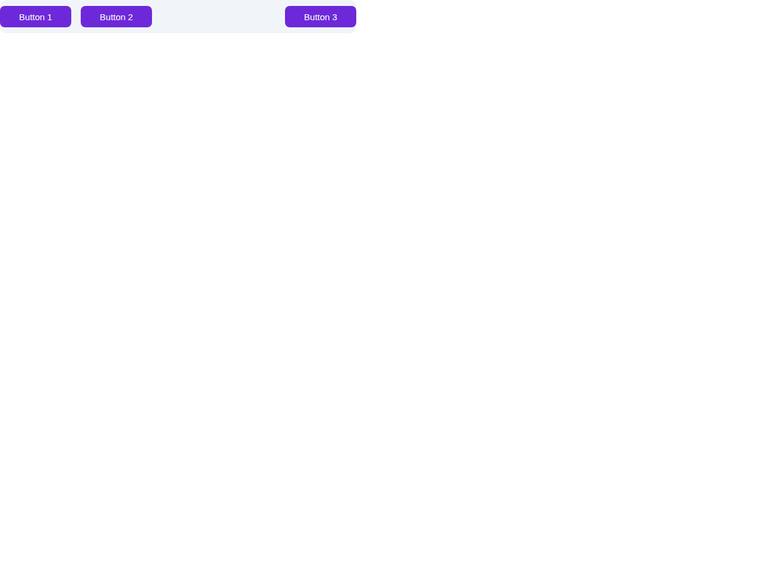
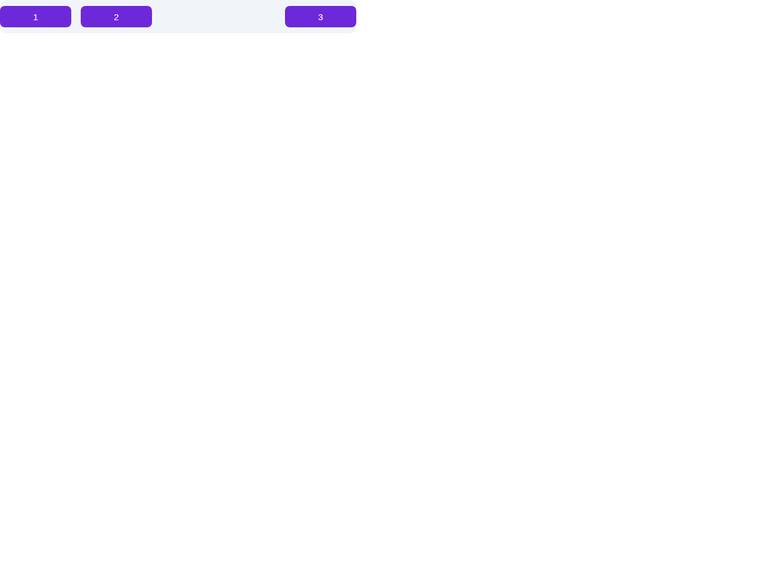
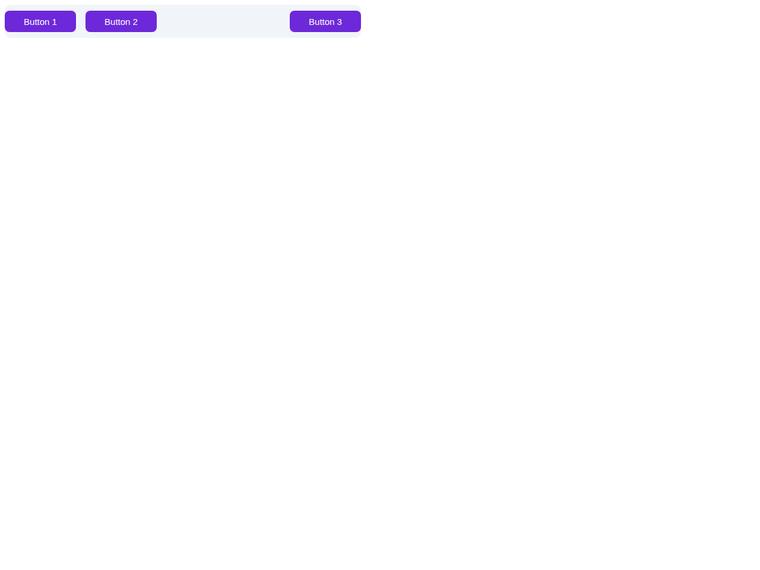
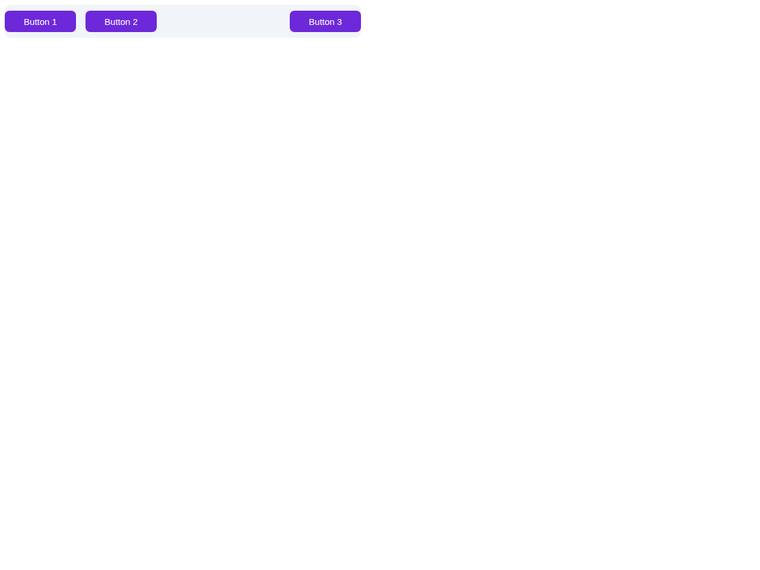
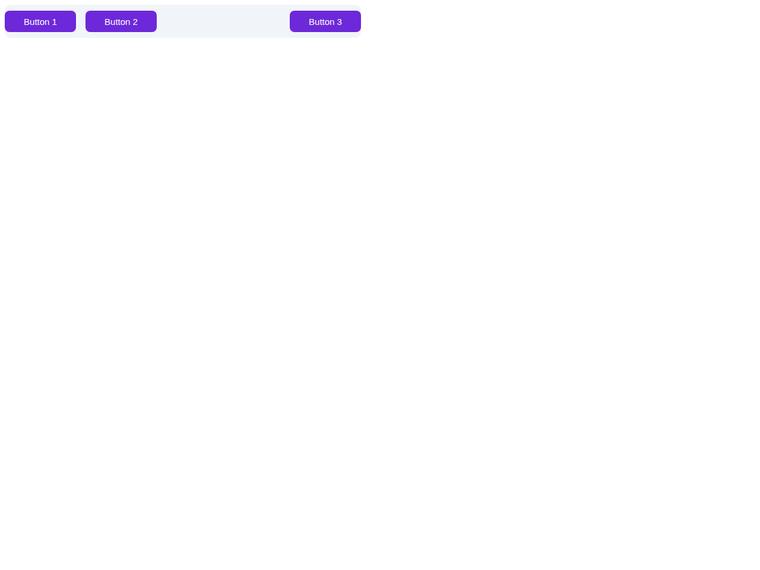
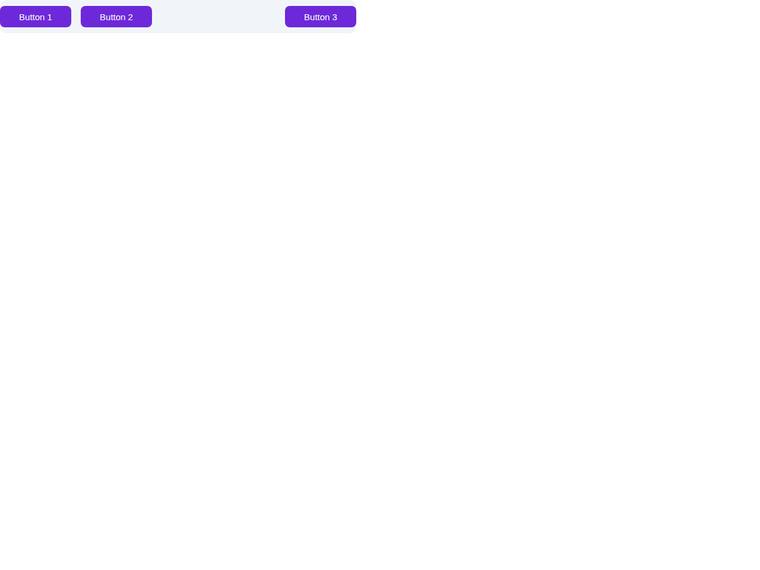
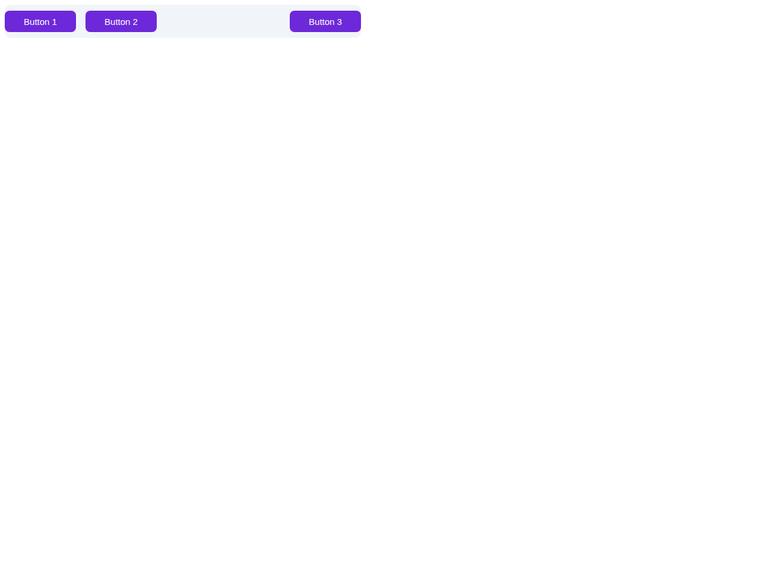
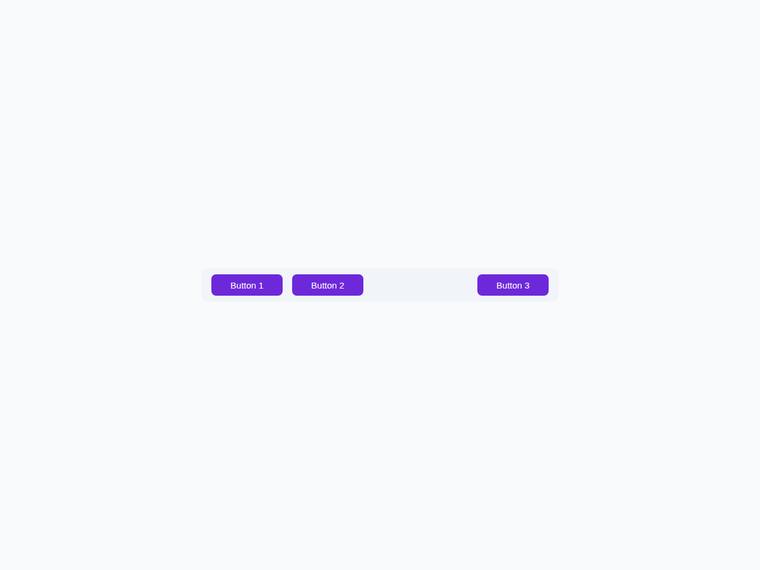
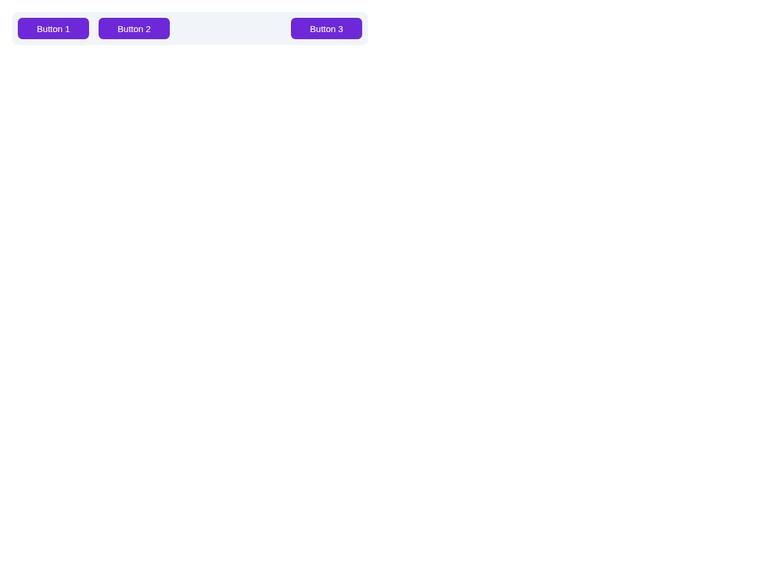
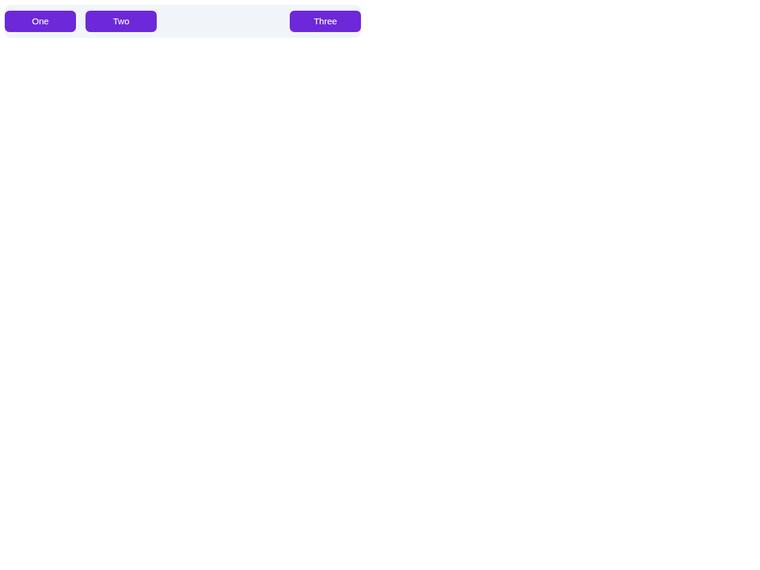
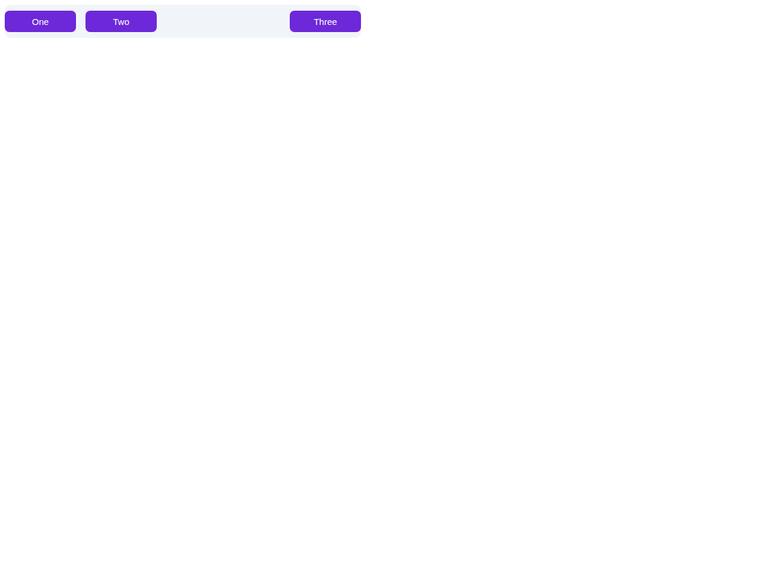
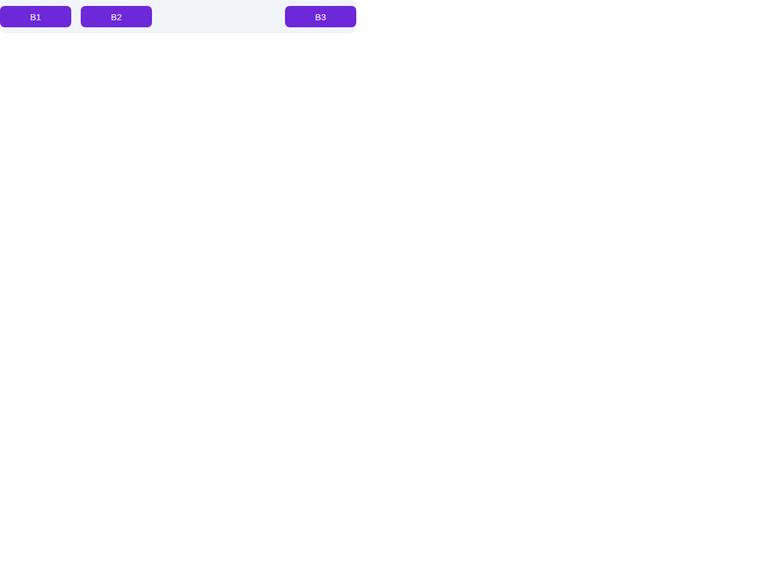
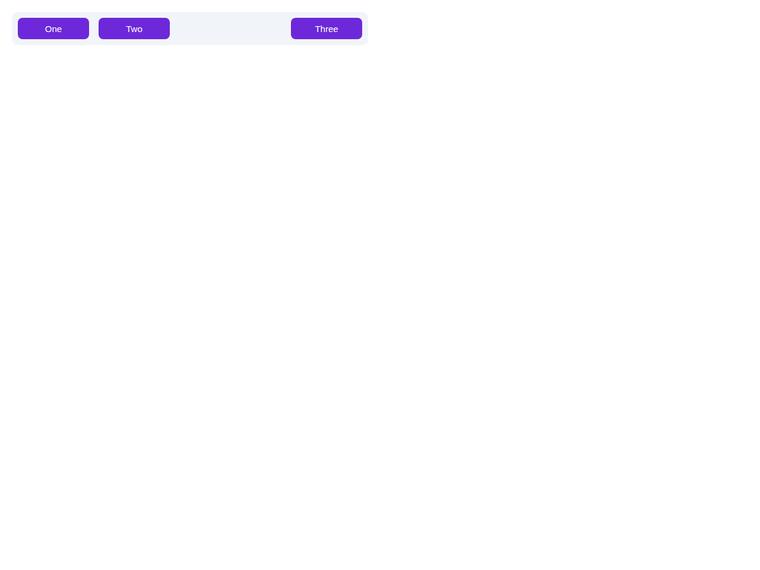
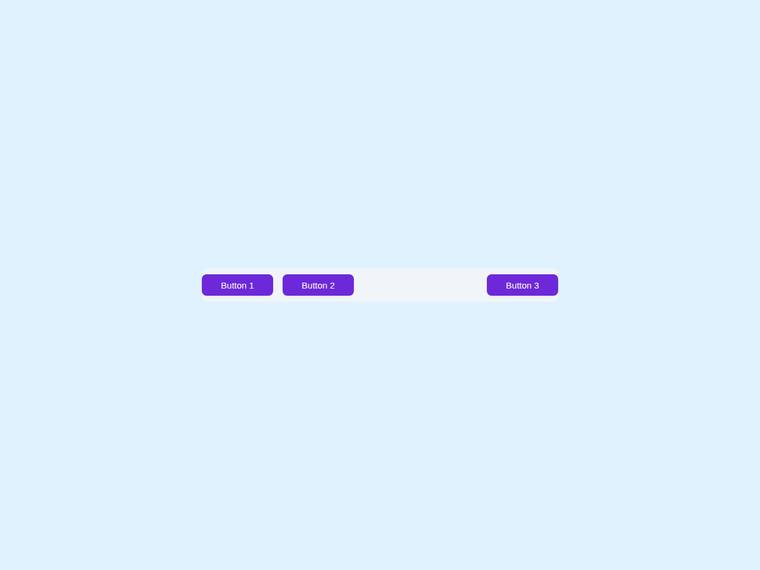
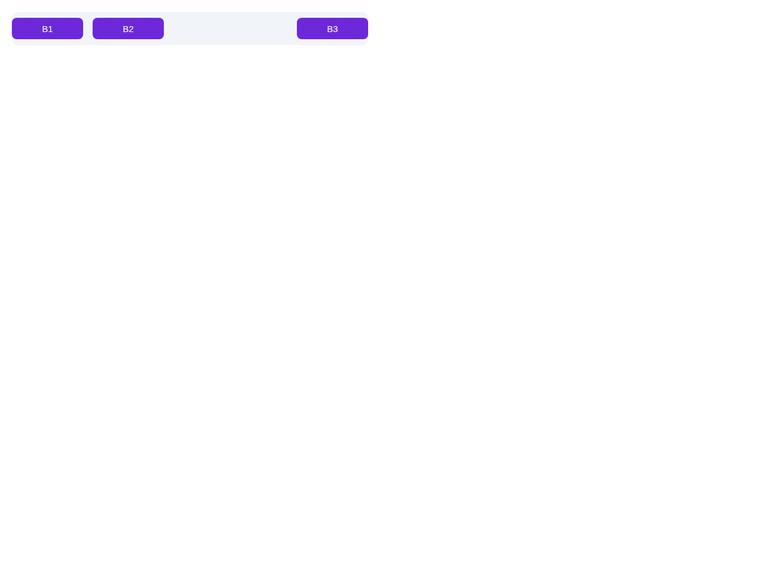
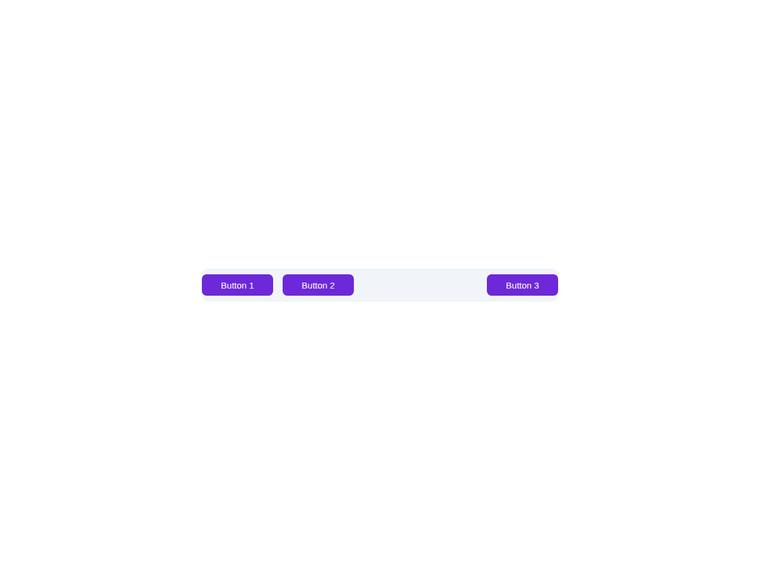
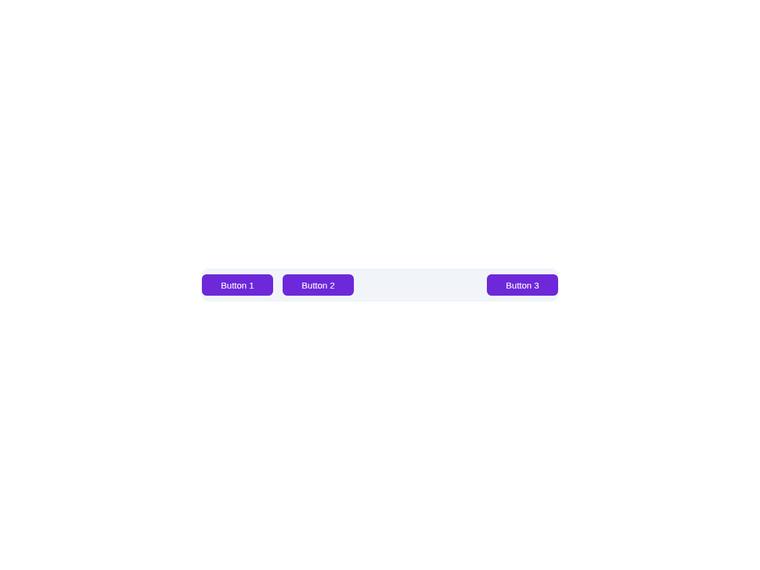
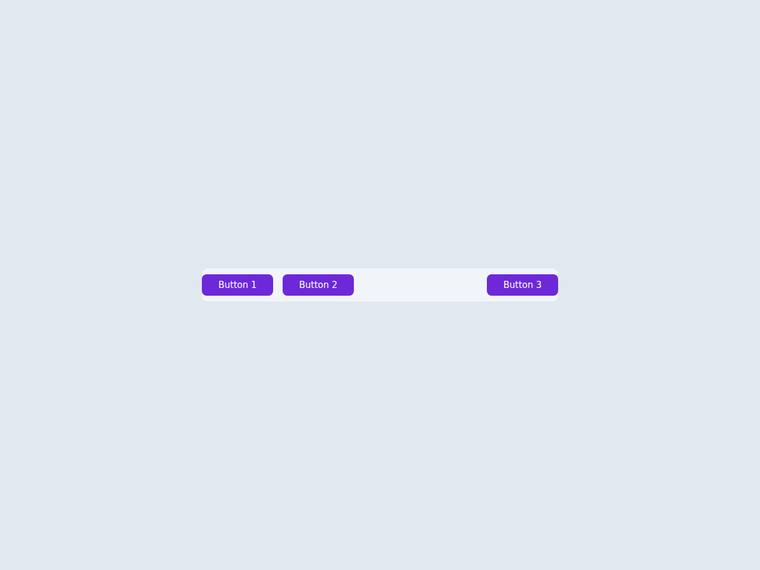
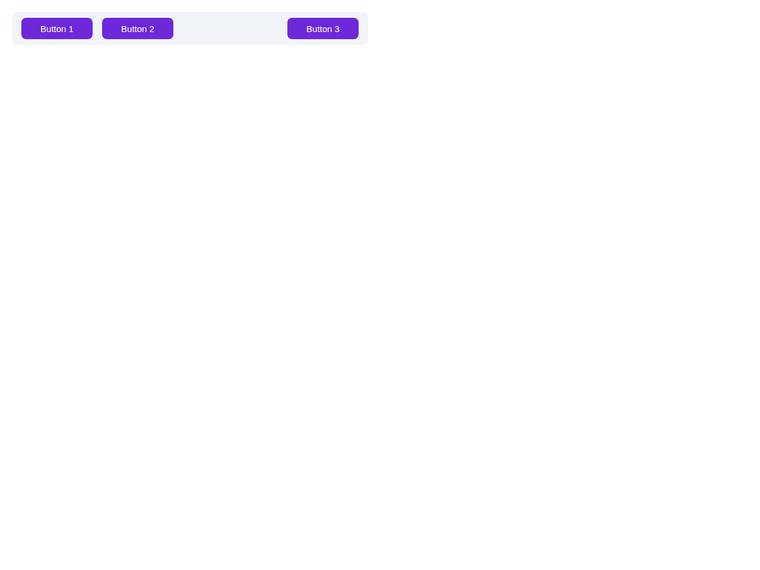
Flex toolbar with an exact gap and exact button geometry
One task across 30 published runs. Inspect the scores and outputs together, with each run's execution method shown.
- Task
- PIXEL-0003
- Domain
- UI components
- Difficulty
- hard
Leading published run: claude-opus-4-8 (low reasoning) at 100.0% composite. Lowest: claude-haiku-4-5 at 0.0%. 30 published runs shown on this task.
How this task was evaluated
Results are ordered by this task's published score. API runs use one prompt and one completion; agent runs use a coding harness with tools and iteration. Inspect the execution method when comparing results.
Objective scores use the benchmark's execution checks. Judge scores use a vision panel's fixed rubric; the published score leaves out a model's own family. Missing values are labelled rather than treated as zero.
Read the brief
Build a single self-contained HTML file (`index.html`) that renders a horizontal toolbar, with no build step and no network calls (inline all CSS, no external fonts or scripts). The grader measures the rendered flex gap and the button box, so the numbers must be exact, not close. Bar: - A `<nav id="bar">` that is `display: flex`, 600px wide, 56px tall, with a flex `gap` of exactly 16px, vertically centred items, background #f1f5f9, radius 10px. Three buttons with IDs `b1`, `b2`, `b3`, each exactly 120px wide and 36px tall, border-radius 8px, font-size 15px, background #6d28d9, colour #ffffff. Put a flexible spacer between the second and third button so the third button sits at the right end. The 16px gap, the 120px button width, and the 15px font-size are the contract.