Keyboard-operable menu button with arrow-key navigation
One task across 30 published runs. Inspect the scores and outputs together, with each run's execution method shown.
- Task
- AYGAT-0003
- Domain
- UI components
- Difficulty
- hard
Leading published run: claude-opus-4-8 (medium reasoning) at 100.0% composite. Lowest: deepseek-v4-pro at 0.0%. 30 published runs shown on this task.
How this task was evaluated
Results are ordered by this task's published score. API runs use one prompt and one completion; agent runs use a coding harness with tools and iteration. Inspect the execution method when comparing results.
Objective scores use the benchmark's execution checks. Judge scores use a vision panel's fixed rubric; the published score leaves out a model's own family. Missing values are labelled rather than treated as zero.
Read the brief
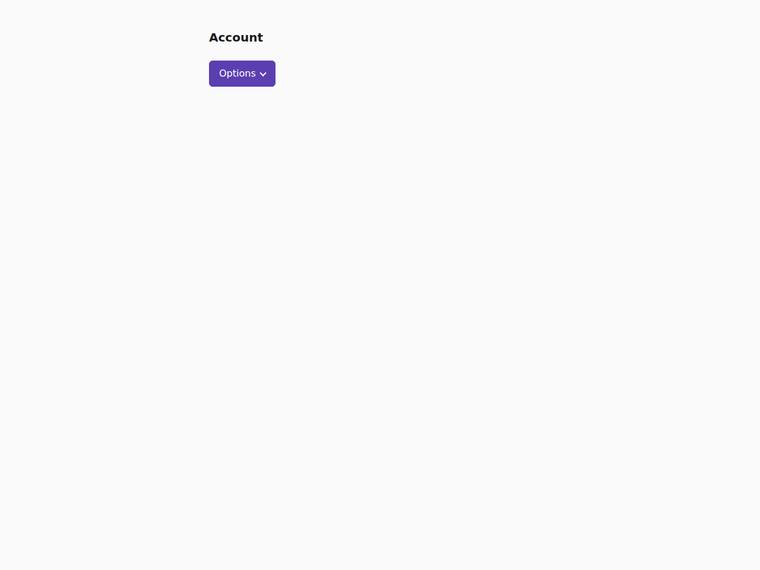
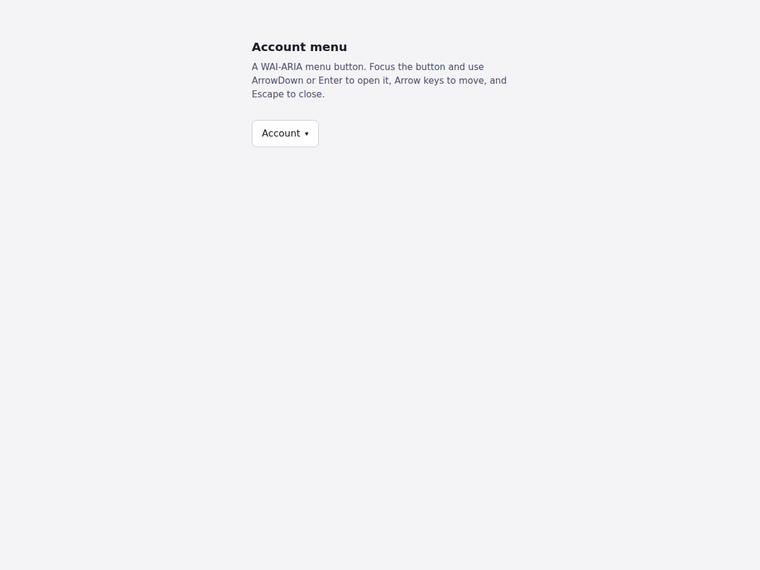
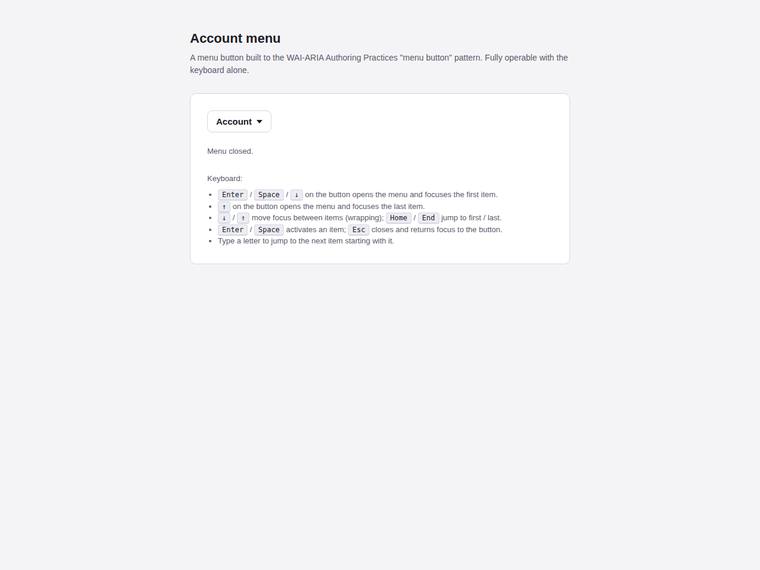
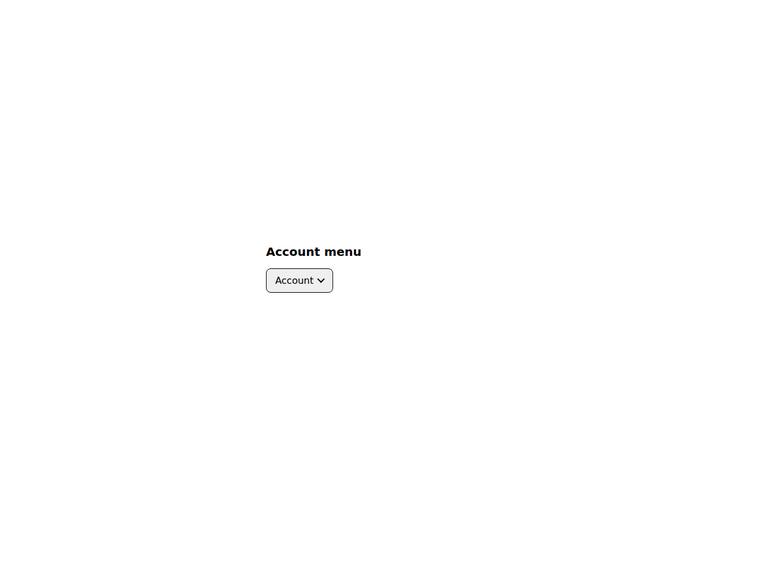
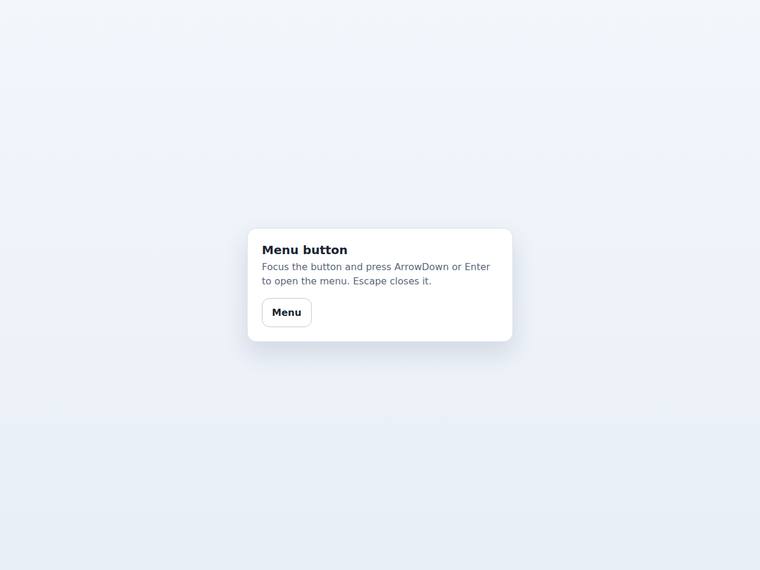
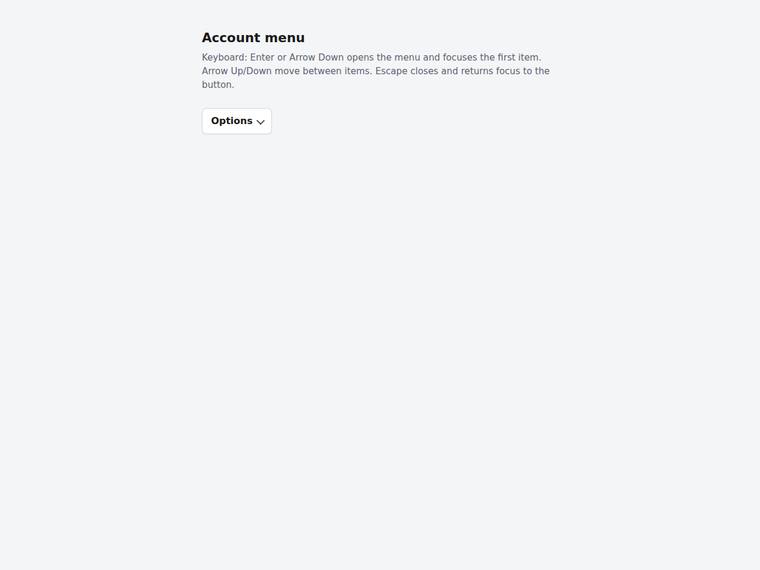
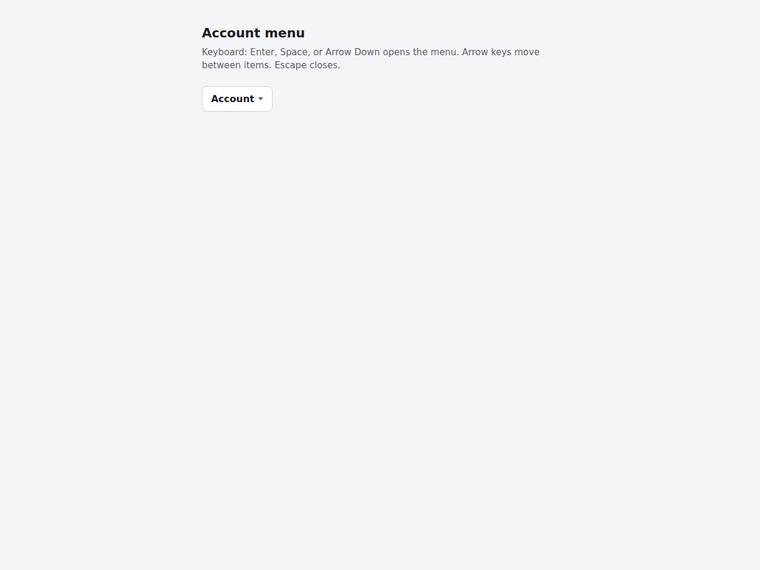
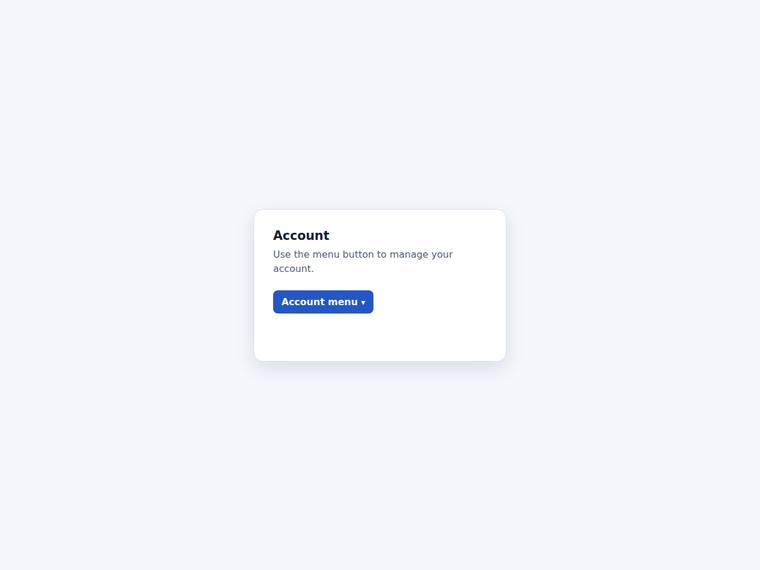
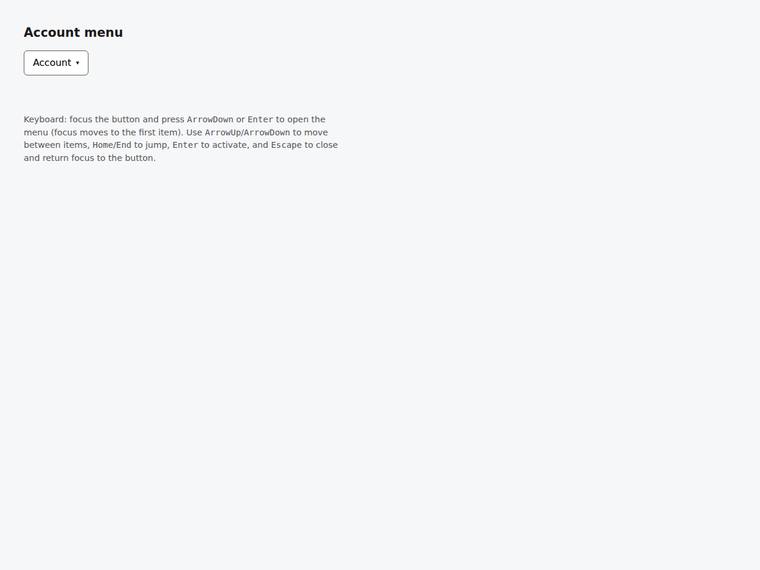
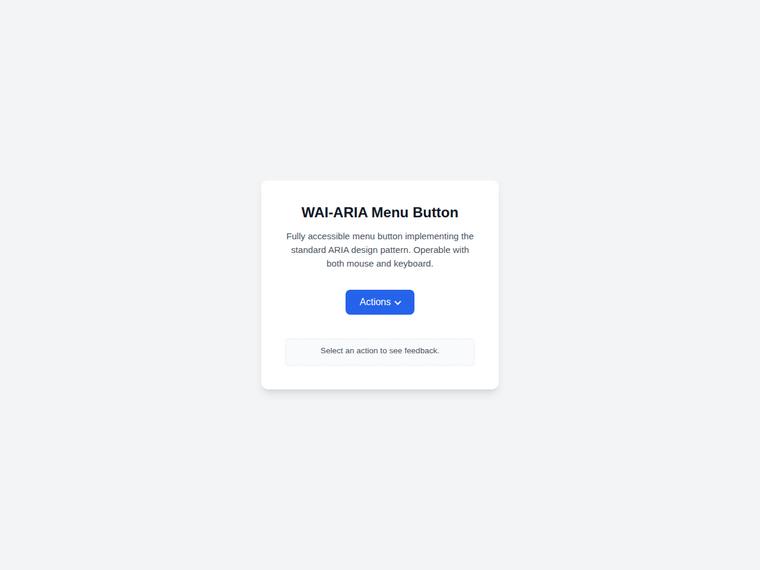
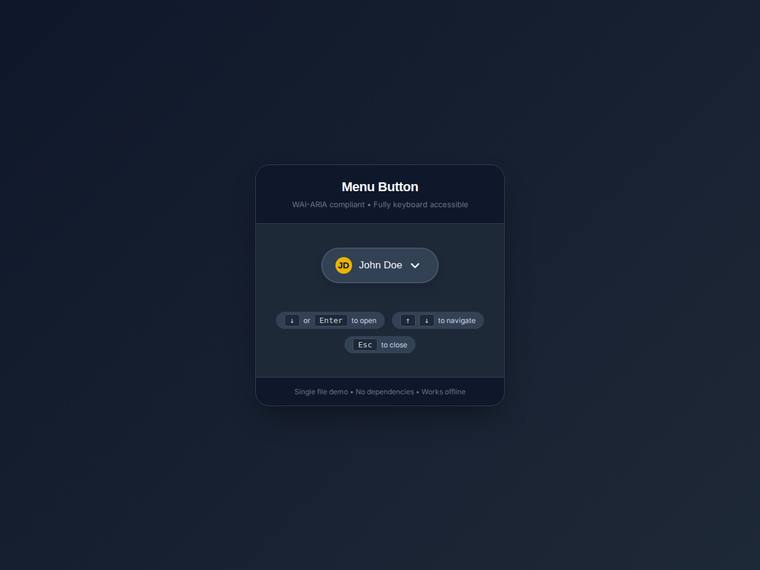
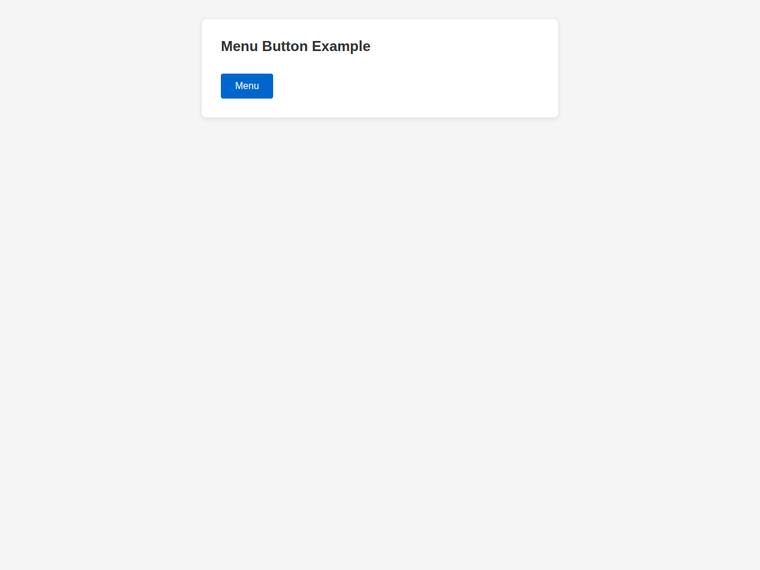
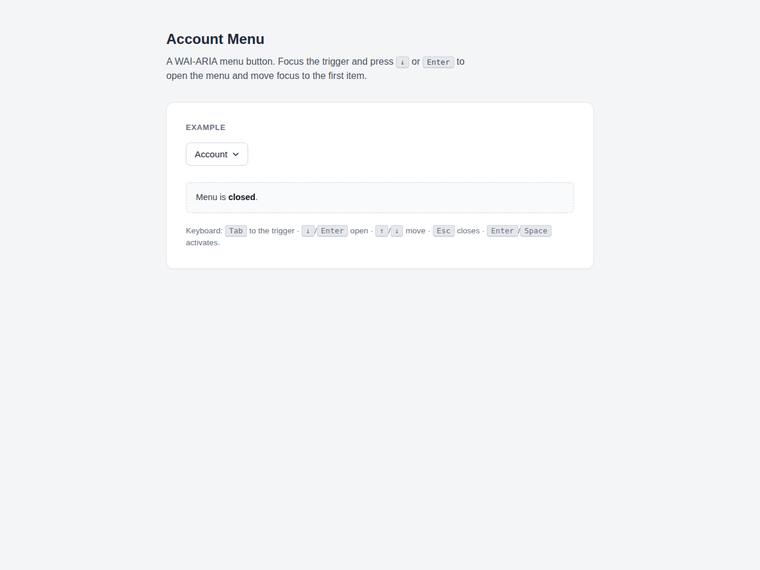
Build a single self-contained page as one HTML file (`index.html`) that renders with no build step and no network calls (inline all CSS and JS, no external fonts or scripts). Build a menu button (the WAI-ARIA "menu button" pattern). Requirements: - A trigger button with id="menu-button", aria-haspopup="menu", and aria-expanded that is "false" while the menu is closed and "true" while it is open. - A popup with role="menu" (id="menu") containing at least four items, each a control with role="menuitem". Give them the ids mi-profile, mi-billing, mi-settings, mi-signout. - With the button focused, ArrowDown (or Enter) opens the menu AND moves keyboard focus to the first menu item. While the menu is open, ArrowDown moves focus to the next item and ArrowUp to the previous (real DOM focus moves between the menu items). - Escape closes the menu and returns keyboard focus to the trigger button. The menu must be fully operable with the keyboard alone. Use plain, accessible markup.